Wix Sync
Send supported simple products to Wix Stores Catalog V3 and mark them visible on the Wix POS register.
Download and install
Download Wix Sync 1.5.3 (.zip, 527 KB)
- Go to Plugins → Add New Plugin → Upload Plugin.
- Choose the zip you downloaded, then click Install Now.
- Click Activate Plugin.
- Open Factorize → Wix Sync.
Already installed? Updates arrive in Plugins like any other plugin. Full install guide
Where to find it
Factorize → Wix SyncWhat it does
- One-way WooCommerce-to-Wix product sync for supported physical simple products.
- Dry run first; live writes require explicit confirmation.
- Matches linked products by handle or exact SKU and avoids ambiguous duplicates.
- Sets Wix POS visibility; ongoing stock, orders, variants, images, and categories are not synced.
What it does for you
Copy eligible physical simple products from WooCommerce to a Wix Stores Catalog V3 site. Wix POS uses that shared catalog, so products marked visibleInPos can appear on the register. This is not a universal POS connector: Catalog V1, variants, ongoing inventory, images, categories, orders, and sales are outside the current sync scope.
Features
- Dry-run firstRead-only matching report before any Wix product writes.
- One-way updatesWooCommerce remains the source; the plugin does not import Wix changes.
- POS visibility flagSets visibleInPos for the Wix Stores product when enabled.
- Duplicate guardsMatch by stored link, Wix handle, and exact SKU; ambiguous matches are skipped.
- Safe product scopeSyncs supported simple physical products only; auction lots and variable products are refused.
- Explicit limitationsStock is sent at creation only; later inventory, orders, media, categories, and variants are not synchronized.
Use cases
A retailer maintaining supported WooCommerce product details in a Wix Stores Catalog V3 that feeds its Wix POS.
Example
Dry-run one opted-in simple test item, then verify its Wix listing and POS visibility after an authorized live test.
Quick setup
- On a staging WordPress site, configure a Wix API key and site ID with catalog read/write permissions; never paste credentials into a public document.
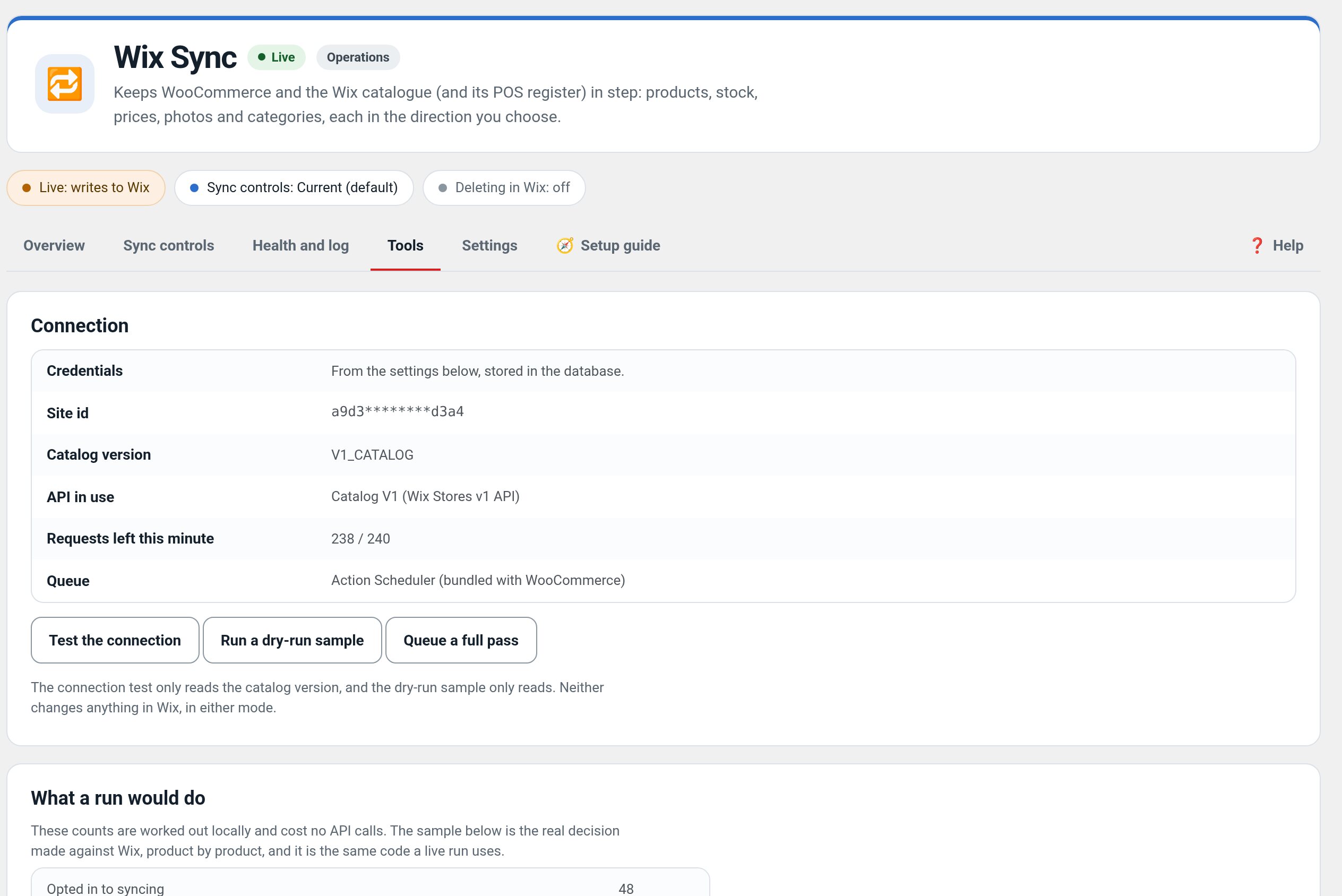
- Run Test the connection and confirm the Wix site reports Stores Catalog V3.
- Opt in one disposable simple physical test product; run a dry-run sample and confirm it matches the intended Wix SKU.
- Only after inspecting the report, use a controlled live test and verify the product appears in Wix Stores and is visible in the Wix POS register.
- Keep create-missing off for the first pass. Confirm product name, price, SKU/barcode, visibility, and register search before expanding.
- Treat ongoing stock and checkout/sales reconciliation as manual; this plugin does not synchronize those flows.
Configuration
Wix Stores Catalog V3 only. A live connection and POS register check require the store owner's credentials and a safe test item; local mocks cannot prove a specific Wix account works.
Step-by-step guide
- ExampleChange a test product name in WooCommerce, run a dry-run, then a one-product live update and check the matching product in Wix Stores and the POS register. Do not use a live sale or alter real inventory for a smoke test.
Q&A
Will this work with my Wix-branded POS?
If that register uses this Wix site's Stores Catalog V3, supported products can be marked visibleInPos. The account and register still need a read-only connection check and a safe test product to verify end-to-end.
Does it sync stock or POS sales both ways?
No. Stock is only initialized on product creation; POS transactions, ongoing inventory, orders, and refunds are not synced.
Does it support all Wix catalog types?
No. The current implementation requires Catalog V3 and supports simple physical products; variable products and auctions are skipped.
Roadmap
What I need from you
Recent changes
- 1.5.3
- Suite hub 1.12.3: the support bubble lifts above the save bar while the bar is on screen (on phones it no longer covers Save).
- 1.5.2
- Suite hub 1.12.2: an SEO tab on the Factorize dashboard for the new SEO modules.
- 1.5.1
- Performance: fewer queries on every page (card figures only where the Factorize dashboard is drawn, cached checks instead of repeated lookups), nothing left running after the plugin is deactivated.
- Suite hub 1.12.1: Download links for modules you have not installed.