Docs · Operations
Site Kit
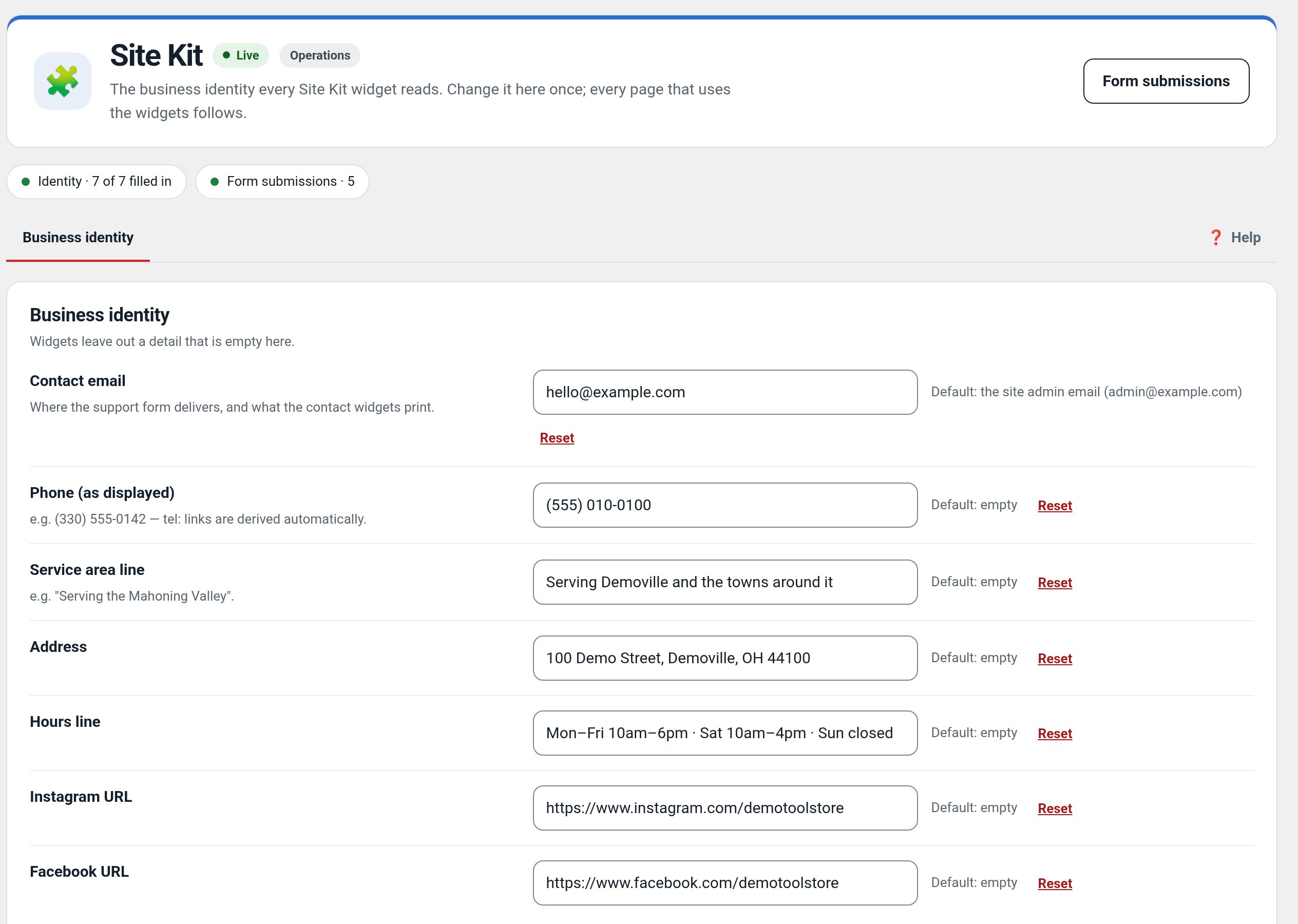
One place for the business identity, read by Elementor widgets.
Download and install
Download Site Kit 0.3.3 (.zip, 714 KB)
- Go to Plugins → Add New Plugin → Upload Plugin.
- Choose the zip you downloaded, then click Install Now.
- Click Activate Plugin.
- Open Factorize → Site Kit.
Already installed? Updates arrive in Plugins like any other plugin. Full install guide
Where to find it
Factorize → Site KitWhat it does
- Email, phone, service area, hours and socials in one screen.
- Elementor widgets that read them, so pages never hardcode them.
Recent changes
- 0.3.3
- Suite hub 1.12.3: the support bubble lifts above the save bar while the bar is on screen (on phones it no longer covers Save).
- 0.3.2
- Suite hub 1.12.2: an SEO tab on the Factorize dashboard for the new SEO modules.
- 0.3.1
- Suite hub 1.12.1: Download links for modules you have not installed, card figures only where drawn, nothing left running after deactivation