Docs · Selling
Notes
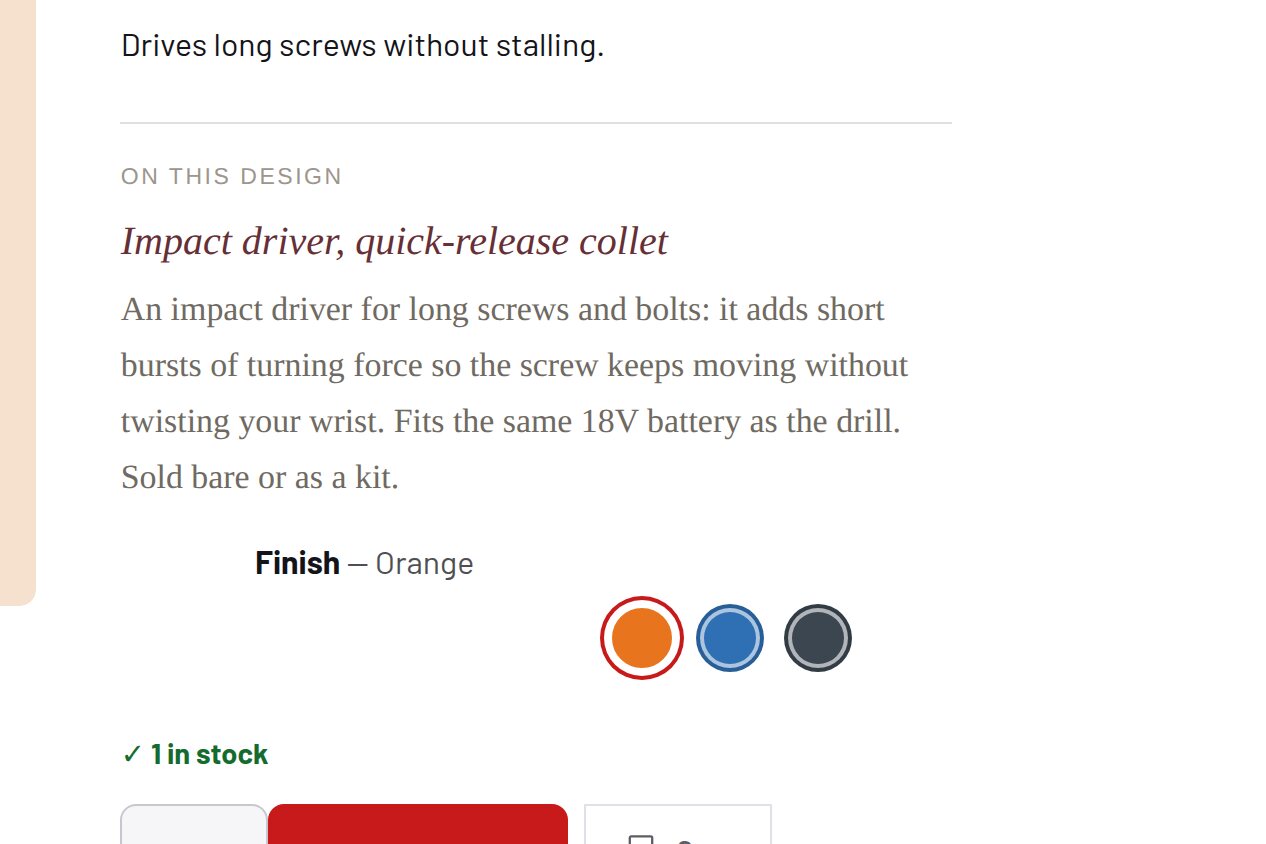
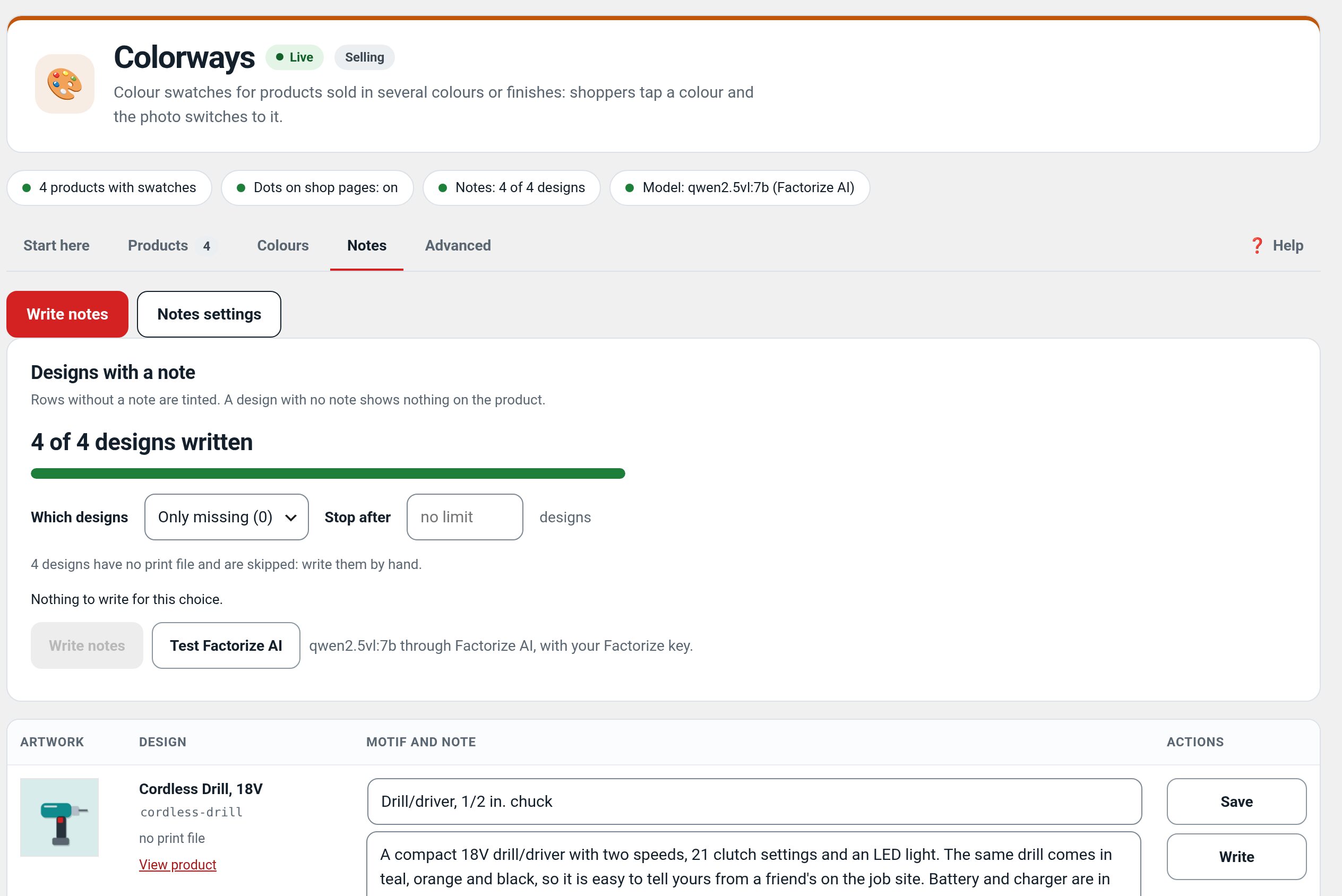
A short note under the buy box, written once per design.
Download and install
Download Notes 2.0.2 (.zip, 6 KB)
- Go to Plugins → Add New Plugin → Upload Plugin.
- Choose the zip you downloaded, then click Install Now.
- Click Activate Plugin.
- Open Factorize → Notes.
Already installed? Updates arrive in Plugins like any other plugin. Full install guide
Where to find it
Factorize → Design NotesWhat it does
- Two or three sentences in your own voice.
- Shown on every product that carries the design.
- Drafts can come from a local vision model, or be typed by hand.
Screenshots
What it does for you
Keep a concise story or production note with a design rather than repeating it across every product variation.
Features
- Design-level copyWrite a short customer-facing note for a design.
- Reuse across productsShow that note wherever the design is used.
- Optional local draftingDraft copy with a local vision model, or write it yourself.
Use cases
A design store that wants consistent short descriptions across related products.
Example
One short artwork note appears on the related shirt colors without duplicating the copy.
Quick setup
- Activate Notes and open Factorize → Design Notes.
- Add or edit a short note and associate it with the design/product key used by your catalog.
- Open a matching product page and review the note on desktop and mobile.
Configuration
Step-by-step guide
- ExampleAdd a two-sentence note about the artwork inspiration; check both shirt colors use the same copy.
Q&A
Does it change product descriptions?
No. It adds a separate short note near the buy box.
Can I skip AI drafting?
Yes. Notes can be entered manually.
Roadmap
What I need from you
The inputs only the store owner can supply — keys, wording, photos, decisions, hardware — with the exact screen or command for each: Factorize Notes — what I need from you (PDF).
Recent changes
- 2.0.2
- Notes: Tokens standard: every token amount, estimate, balance and the out-of-tokens message uses the suite hub's one text (tokens with dollars); free tasks say Free; paid tools always use tokens; Buy tokens moved to Factorize → Account
- 2.0.1
- Suite hub 1.12.2: an SEO tab on the Factorize dashboard for the new SEO modules.
- 2.0.0
- empty shell. The code moved to Factorize Colorways 1.3.0 (inc/notes/). Uninstall removes nothing but the shell's own notice flag.