Docs · Customers
Restock
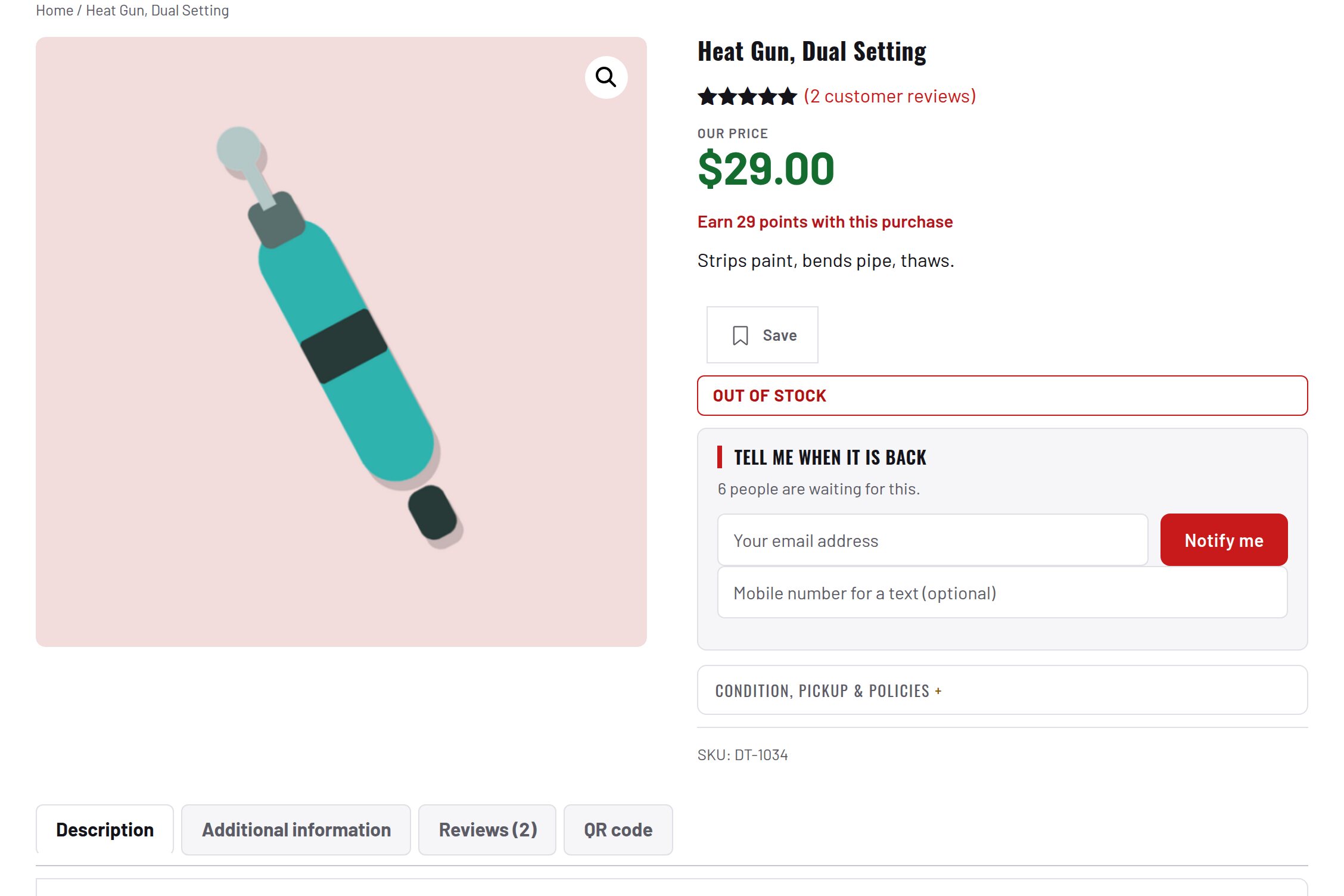
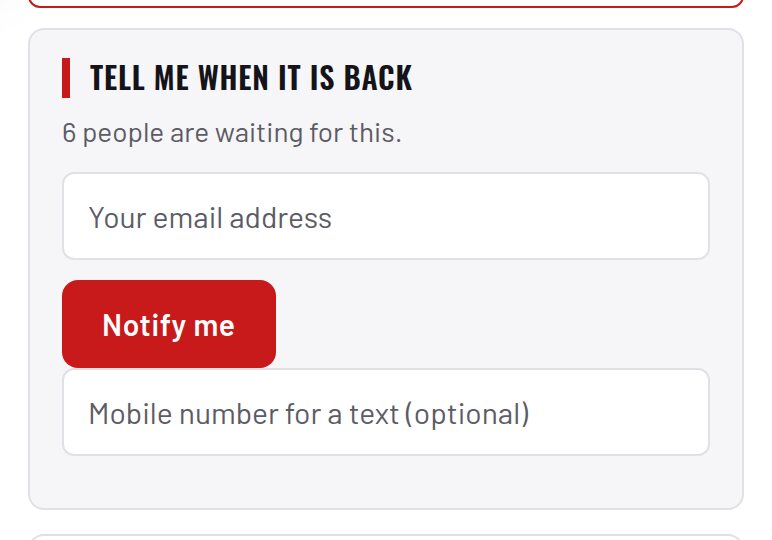
A "tell me when it is back" panel on sold-out products.
Download and install
Download Restock 1.4.0 (.zip, 246 KB)
- Go to Plugins → Add New Plugin → Upload Plugin.
- Choose the zip you downloaded, then click Install Now.
- Click Activate Plugin.
- Open Factorize → Restock.
Already installed? Updates arrive in Plugins like any other plugin. Full install guide
Where to find it
Factorize → RestockWhat it does
- Shoppers leave an email (and optionally a phone) on a sold-out product or variation.
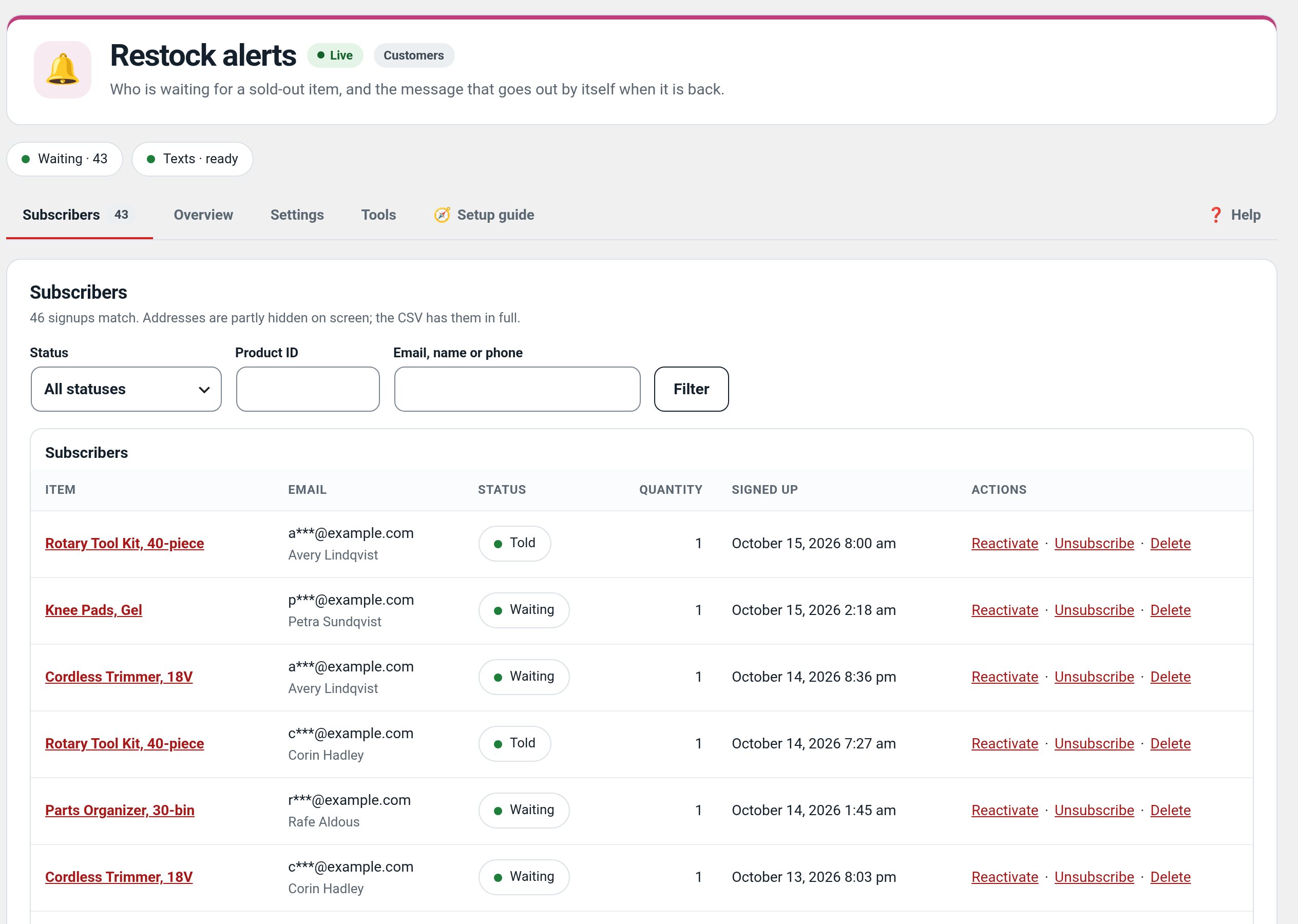
- A list of who is waiting.
- The message goes out by itself when stock returns, throttled.
Screenshots
Recent changes
- 1.4.0
- Settings preview of the Compact and Card panels from what is on screen; the test email sends what is on screen and says so.
- 1.3.4
- A filter (factorize_restock_panel_mode) lets another plugin hide the Tell me when it is back box; Sold Items uses it on sold pages
- 1.3.3
- Suite hub 1.12.3: the support bubble lifts above the save bar while the bar is on screen (on phones it no longer covers Save).