Docs · Selling
Shuffle
Replaced by Swipe. Kept so existing [factorize_shuffle] pages keep working.
Download and install
Download Shuffle 1.0.6 (.zip, 180 KB)
- Go to Plugins → Add New Plugin → Upload Plugin.
- Choose the zip you downloaded, then click Install Now.
- Click Activate Plugin.
- Open Factorize → Shuffle.
Already installed? Updates arrive in Plugins like any other plugin. Full install guide
Where to find it
Factorize → ShuffleWhat it does
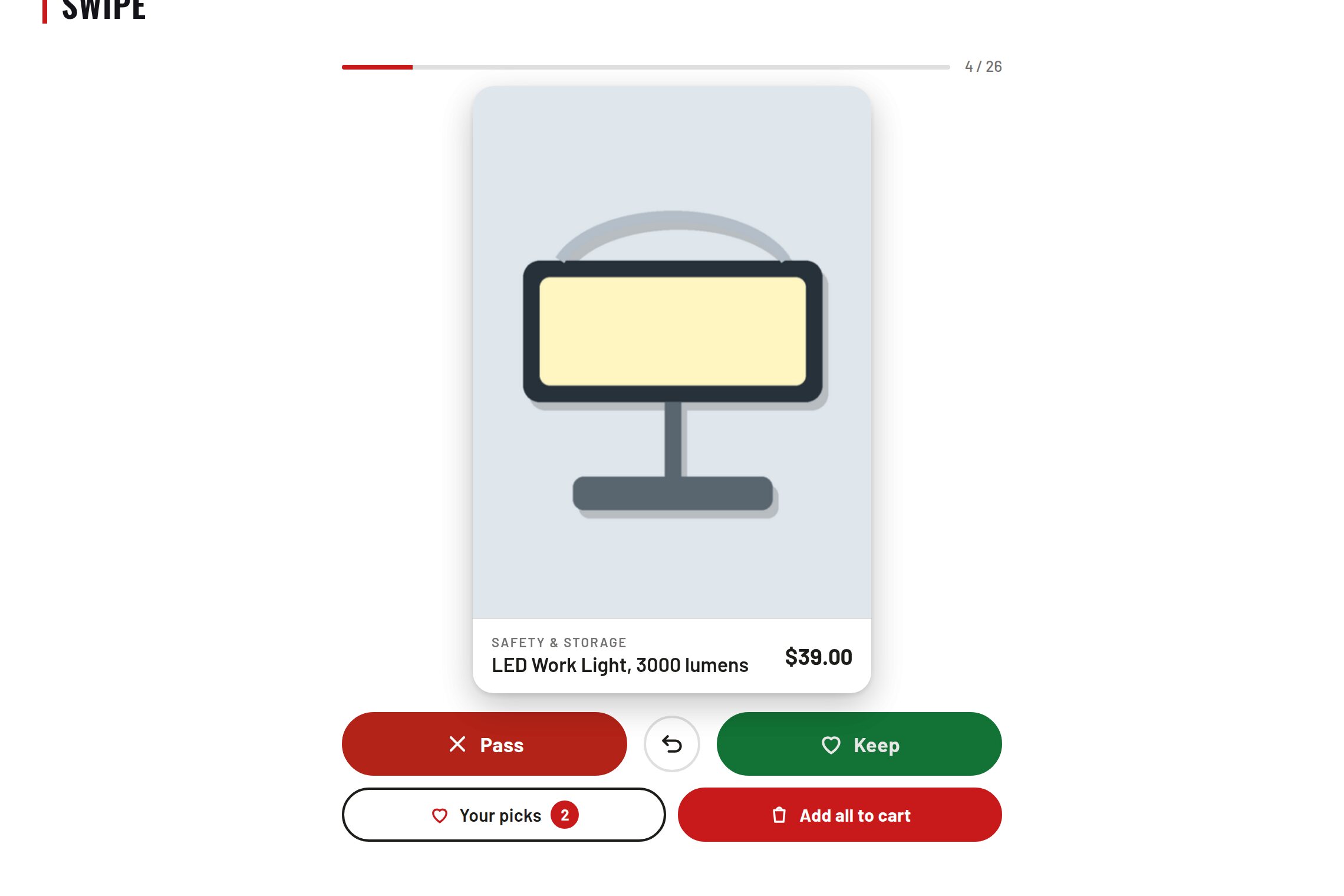
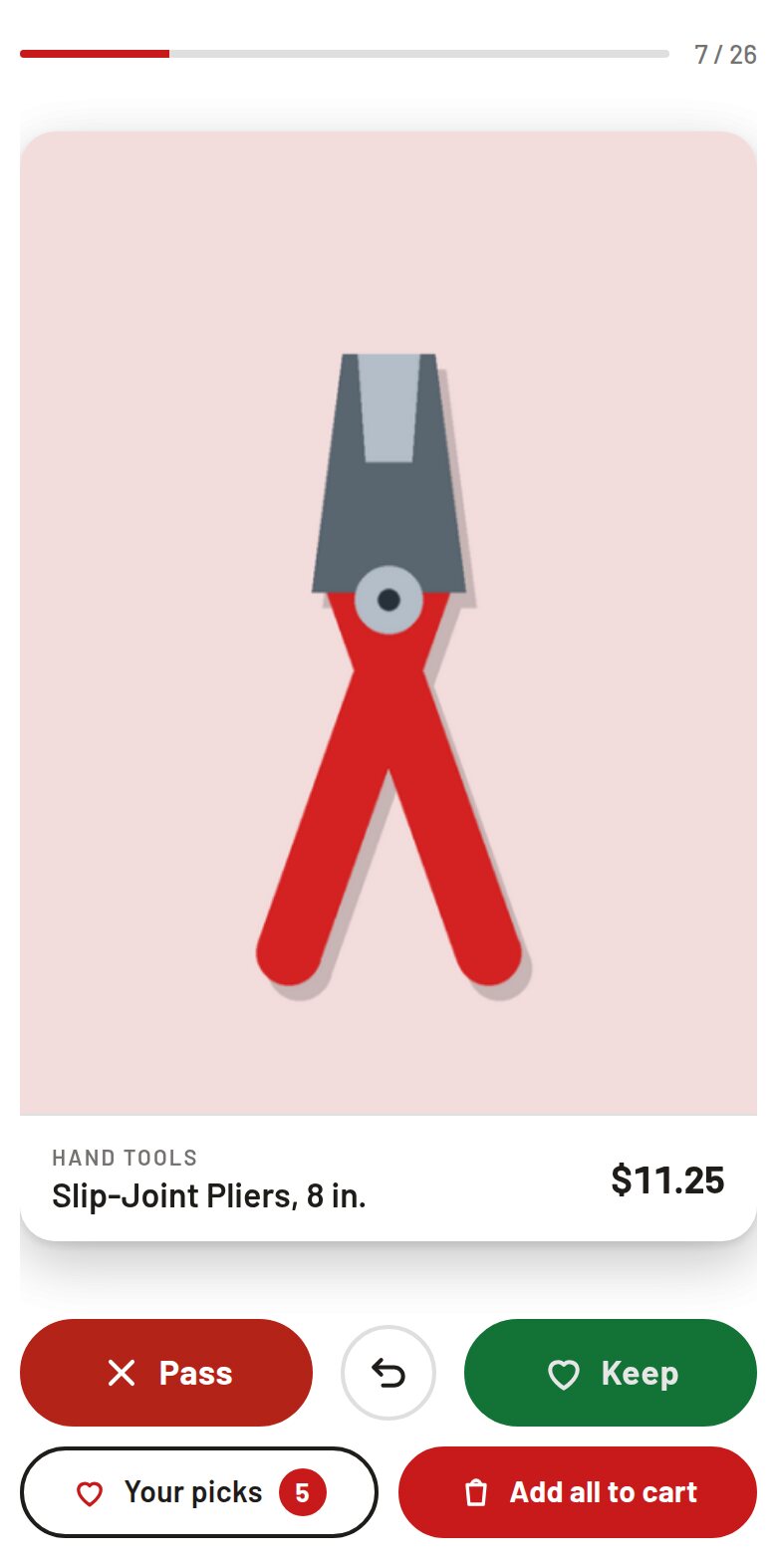
- One design fills the phone: mockup, name, price.
- Swipe left to pass, right to save, tap to open.
- Buttons and arrow keys for anyone who cannot swipe.
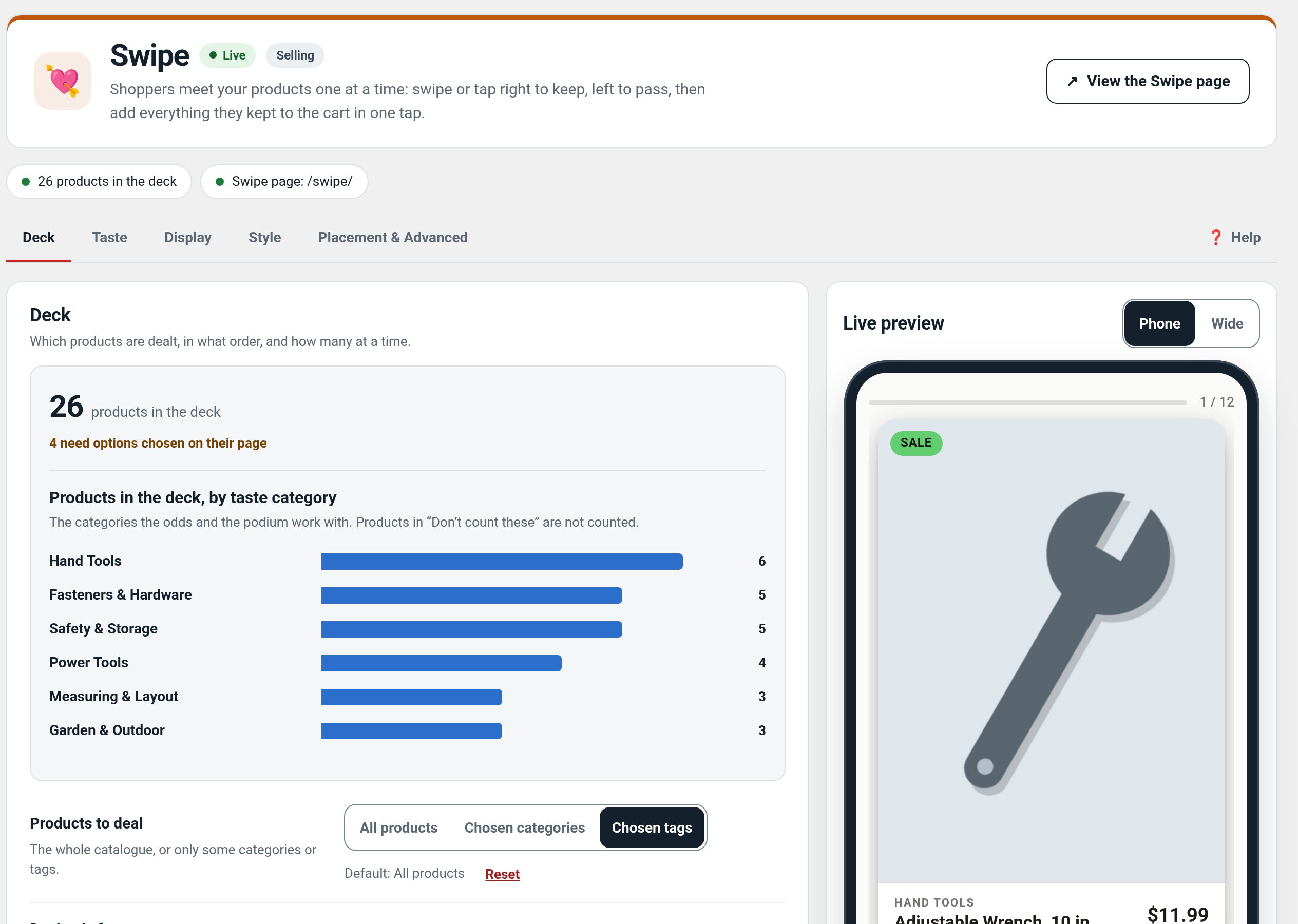
Screenshots
What it does for you
Offer a focused discovery view for design-led catalogs: one item fills the screen, with accessible controls as an alternative to swiping.
Features
- Single-item cardsShow a design mockup, name, and price in a focused view.
- Swipe actionsSwipe left to pass, right to save, or tap through to the product.
- Accessible controlsButtons and arrow keys provide alternatives to touch gestures.
Use cases
A phone-first catalog where customers browse a small set of designs at a time.
Example
Swipe right to save a design, then open it to choose a size.
Quick setup
- Activate Shuffle and open the Shuffle page from the storefront navigation or its configured route.
- Check that the card order and product links use your intended catalog.
- Test swipe actions on a phone and buttons/arrow keys on desktop.
Configuration
Step-by-step guide
- ExampleA shopper swipes through new shirt designs, saves a favorite, then opens its product page to choose size.
Q&A
Is swiping required?
No. On-screen buttons and keyboard arrows are available.
Does saving require an account?
Saving is provided by the companion Saves plugin when installed.
Roadmap
What I need from you
The inputs only the store owner can supply — keys, wording, photos, decisions, hardware — with the exact screen or command for each: Factorize Shuffle — what I need from you (PDF).
Recent changes
- 1.0.6
- Skips recording on a Simulate studio preview request (factorize_preview_request).
- 1.0.5
- Suite hub 1.12.3: the support bubble lifts above the save bar while the bar is on screen (on phones it no longer covers Save).
- 1.0.4
- Suite hub 1.12.2: an SEO tab on the Factorize dashboard for the new SEO modules.