Docs · SEO
SEO
Titles, descriptions, Open Graph, sitemaps and the SEO checker in one small plugin (moved out of Optimizer).
Download and install
Download SEO 1.1.1 (.zip, 189 KB)
- Go to Plugins → Add New Plugin → Upload Plugin.
- Choose the zip you downloaded, then click Install Now.
- Click Activate Plugin.
- Open Factorize → SEO.
Already installed? Updates arrive in Plugins like any other plugin. Full install guide
Where to find it
Factorize → SEOWhat it does
- Search title and description boxes with counters on pages, posts and products.
- Open Graph and Twitter tags for link previews.
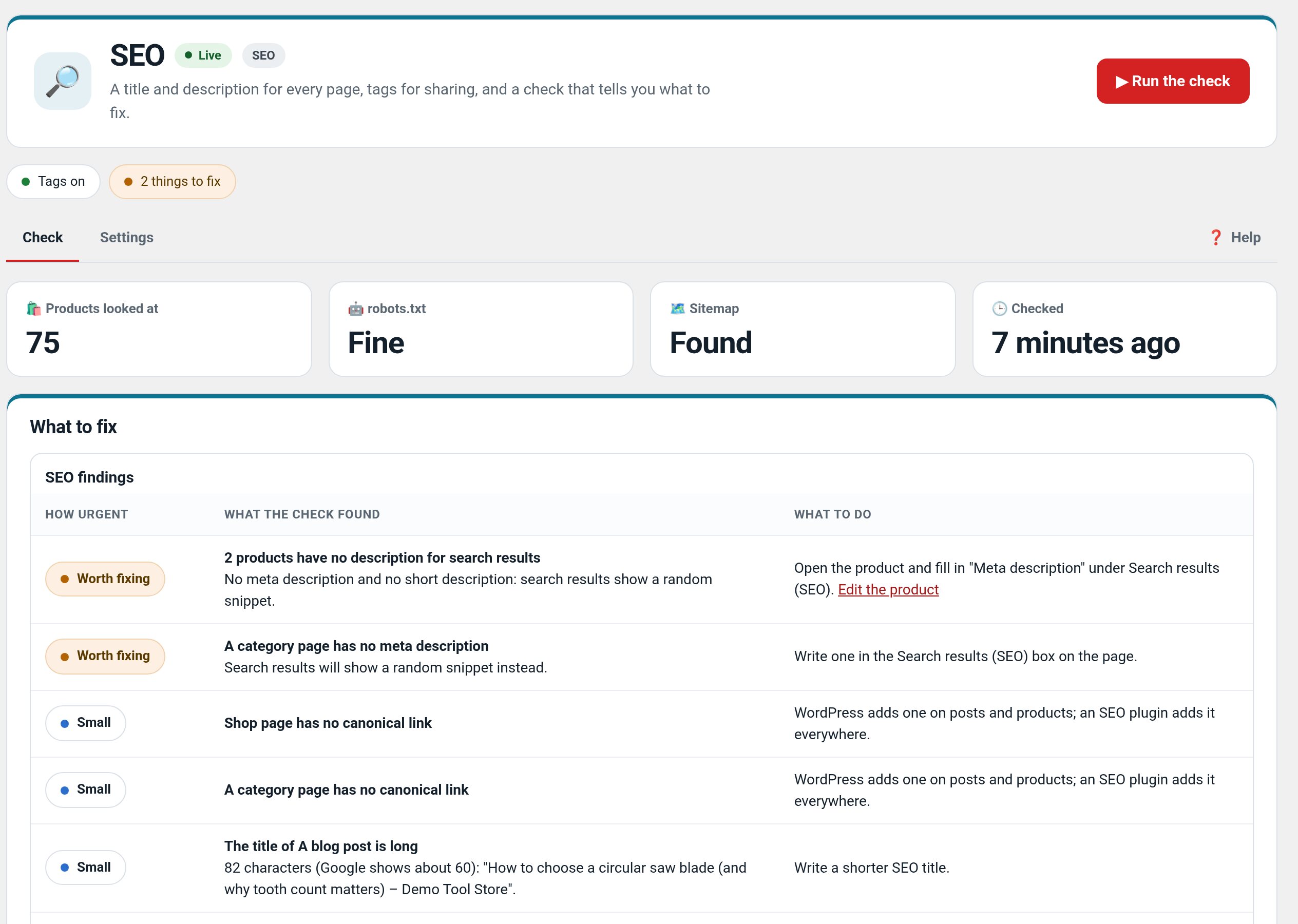
- The SEO check: robots.txt, sitemap and five real pages, with plain fixes.
Recent changes
- 1.1.1
- Write with AI: a new tab listing the four AI fixes (meta descriptions, SEO titles, image alt text, short descriptions) with how many items each still misses, and a Write with AI button on every check finding the AI can fix. Both open Factorize Optimizer's SEO & AI preview, apply and undo.
- 1.1.0
- Canonical links on home, shop, categories and archives (sorted and filtered lists point to the plain page); noindex for sorted, filtered and price-filtered lists, empty categories, search, cart, checkout and account; robots.txt lines for add-to-cart and search; product pictures in the sitemap (up to 5 each), cart/checkout/account and shipping classes left out; 1200 px sharing pictures with size and alt; a meta description on every page; SEO title and description fields on categories and tags; the SEO check flags long titles, narrow sharing pictures and indexable search/sorted pages, with a direct fix link per finding. Each setting stands down when another SEO plugin is active. Suite hub 1.12.3: the support bubble lifts above the save bar.
- 1.0.0
- First release: the SEO features moved out of Optimizer into their own plugin, with the same fields, so existing titles and descriptions carry over.