Docs · Selling
Social
Scheduled posts of new arrivals, deals and auctions to Pinterest, Facebook, Instagram and X, with Rich Pins and a weekly queue.
Download and install
Download Social 1.0.1 (.zip, 227 KB)
- Go to Plugins → Add New Plugin → Upload Plugin.
- Choose the zip you downloaded, then click Install Now.
- Click Activate Plugin.
- Open Factorize → Social.
Already installed? Updates arrive in Plugins like any other plugin. Full install guide
Where to find it
Factorize → SocialWhat it does
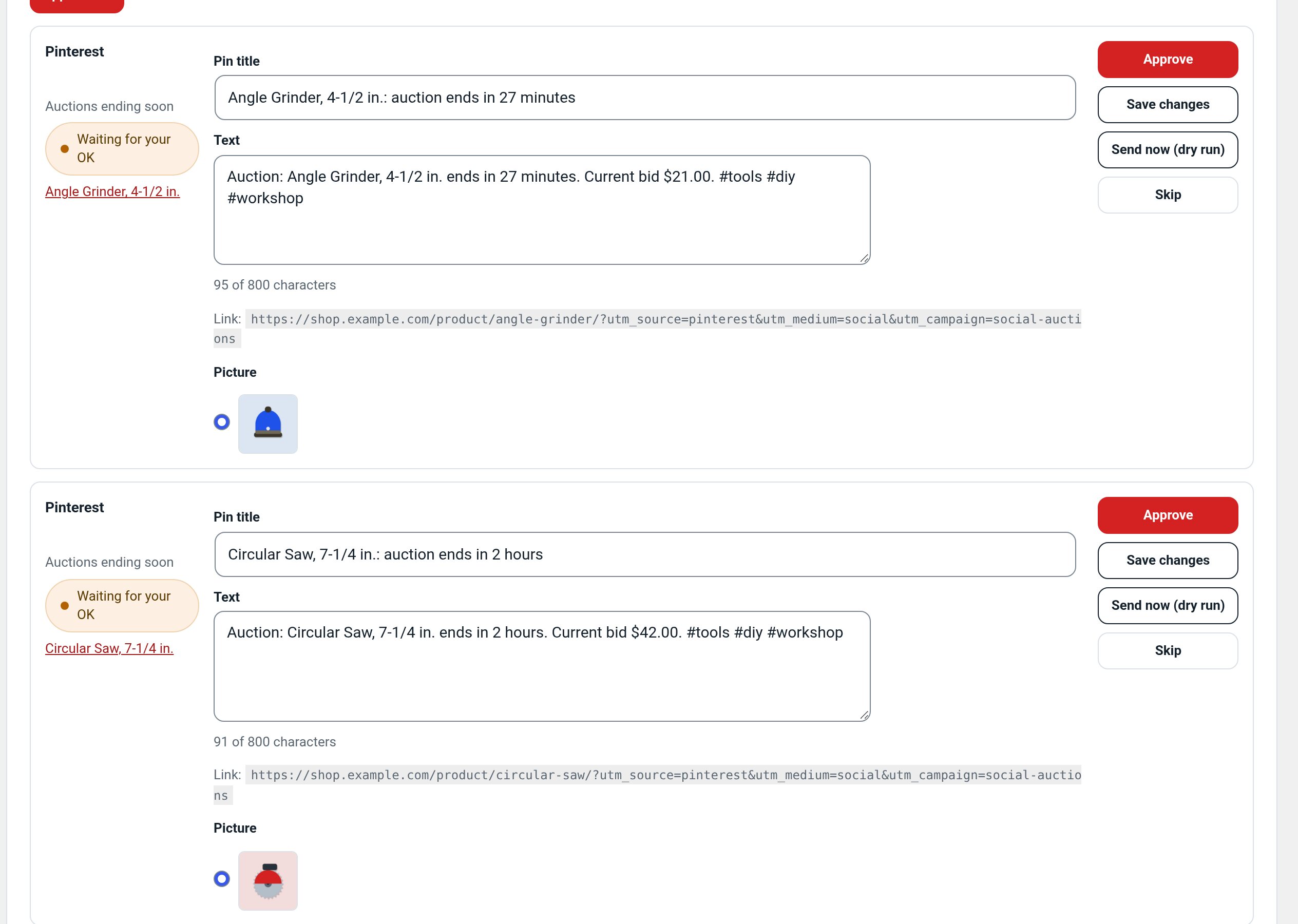
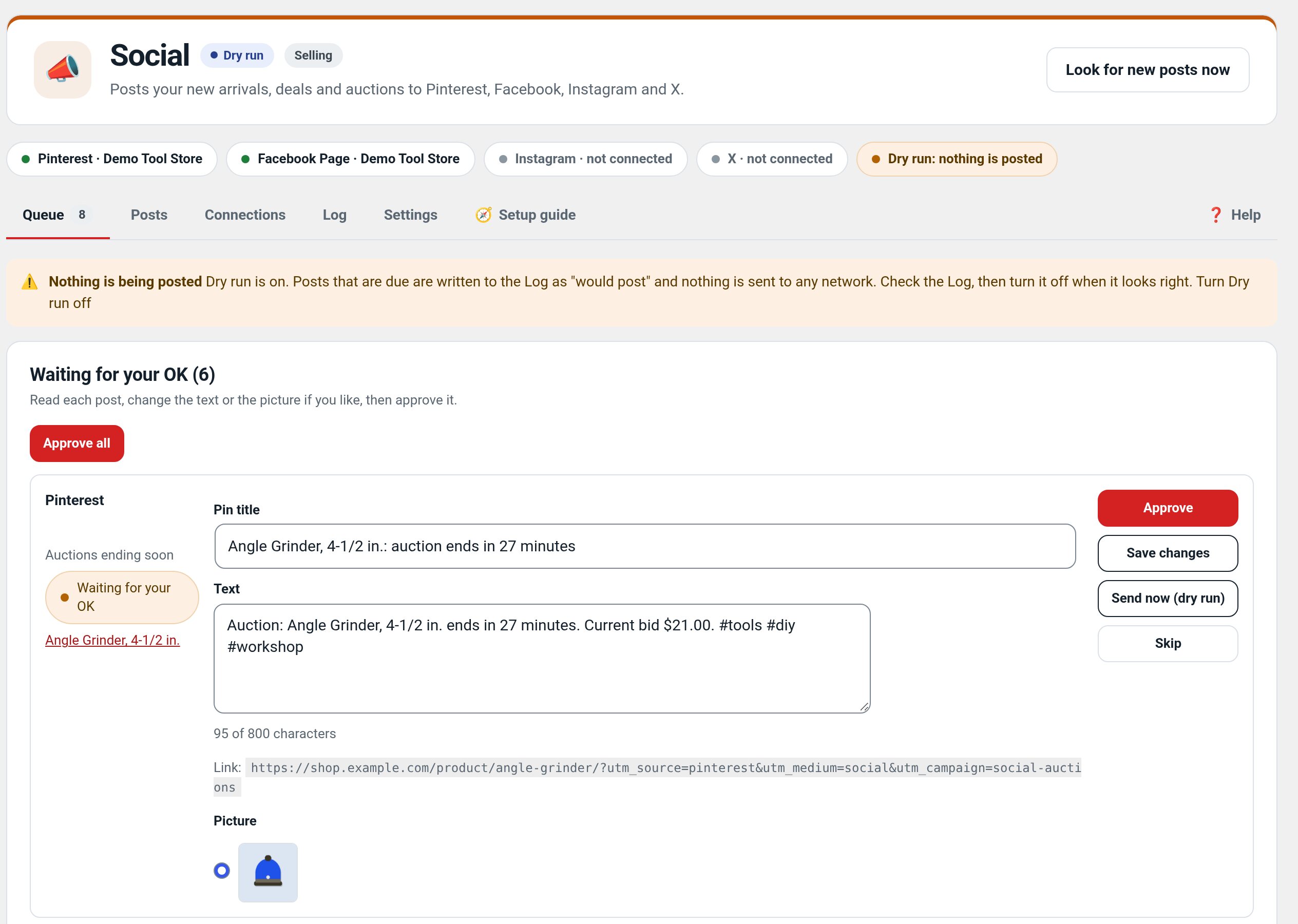
- Pinterest, Facebook, Instagram and X from one queue.
- New arrivals, deals, auctions ending, back in stock and a weekly roundup.
- Approval queue, per-channel wording, limits and allowed hours.
Screenshots
Recent changes
- 1.0.1
- Pinterest default texts no longer repeat the product name; text boxes grow to fit their text so the hashtag line is never cut off; shared admin styles. Suite hub 1.12.3: the support bubble lifts above the save bar.
- 1.0.0
- First release: Pinterest, Facebook Page, Instagram and X connections, sources, templates, queue with approval, dry run, log.