Docs · SEO
Schema
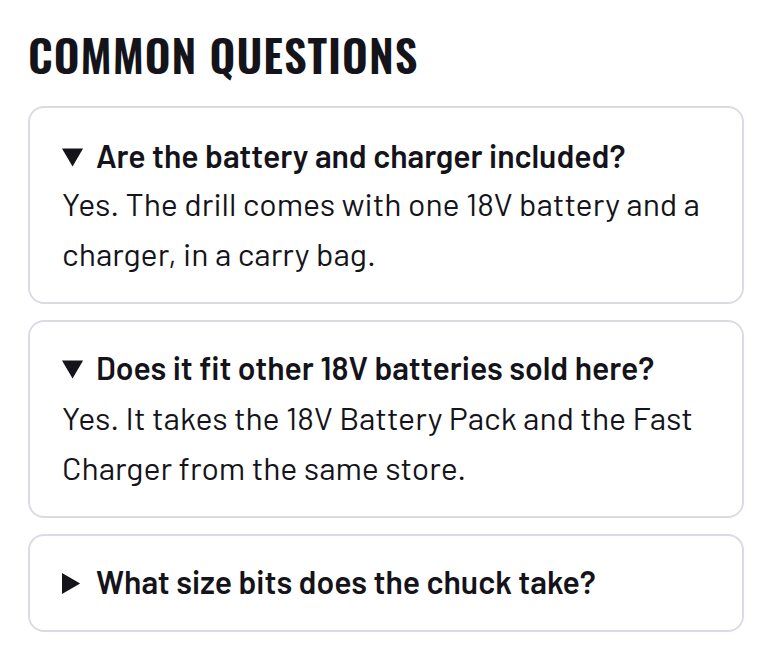
Rich structured data on every page: Organization, WebSite, full Product details, breadcrumbs and FAQ, so results show price, stock, stars and previews.

Download and install
Download Schema 1.1.2 (.zip, 195 KB)
- Go to Plugins → Add New Plugin → Upload Plugin.
- Choose the zip you downloaded, then click Install Now.
- Click Activate Plugin.
- Open Factorize → Schema.
Already installed? Updates arrive in Plugins like any other plugin. Full install guide
Where to find it
Factorize → SchemaWhat it does
- Full Product data: images, brand, barcode, condition, shipping and returns.
- Organization, WebSite, FAQ and optional LocalBusiness.
- Check a page: which types it has and which required fields are missing.
Screenshots

Recent changes
- 1.1.2
- A filter on Schema's per-product cache key (factorize_schema_cache_key), so plugins that change the Product node through factorize_schema_product (Factorize Product Facts: brand, mpn, gtin, condition; Factorize Sold Items: SoldOut) are not served from a stale cache.
- 1.1.1
- Two small hooks for the new SEO plugins: a filter on the business nodes (Factorize Local adds opening hours, geo and a map link) and functions to read and write the store-wide FAQ (Factorize Answers). Nothing changes on its own.
- 1.1.0
- Breadcrumbs built from WooCommerce's own breadcrumb, so the names and links match the page (none on shop, home and plain pages; guides get Home > Guides > title); the FAQ block matches the Guides FAQ and uses the store theme's colors and fonts. Structured data validates with 0 errors. Suite hub 1.12.3: the support bubble lifts above the save bar.