Docs · Selling
Blog
Researched blog guides with sources, videos and your products, written as drafts for you to review.
Download and install
Download Blog 1.5.0 (.zip, 300 KB)
- Go to Plugins → Add New Plugin → Upload Plugin.
- Choose the zip you downloaded, then click Install Now.
- Click Activate Plugin.
- Open Factorize → Blog.
License key: the AI features need one. Get a free key in My account, then paste it in Factorize → License. The rest of the module works without it.
Already installed? Updates arrive in Plugins like any other plugin. Full install guide
Where to find it
Factorize → BlogWhat it does
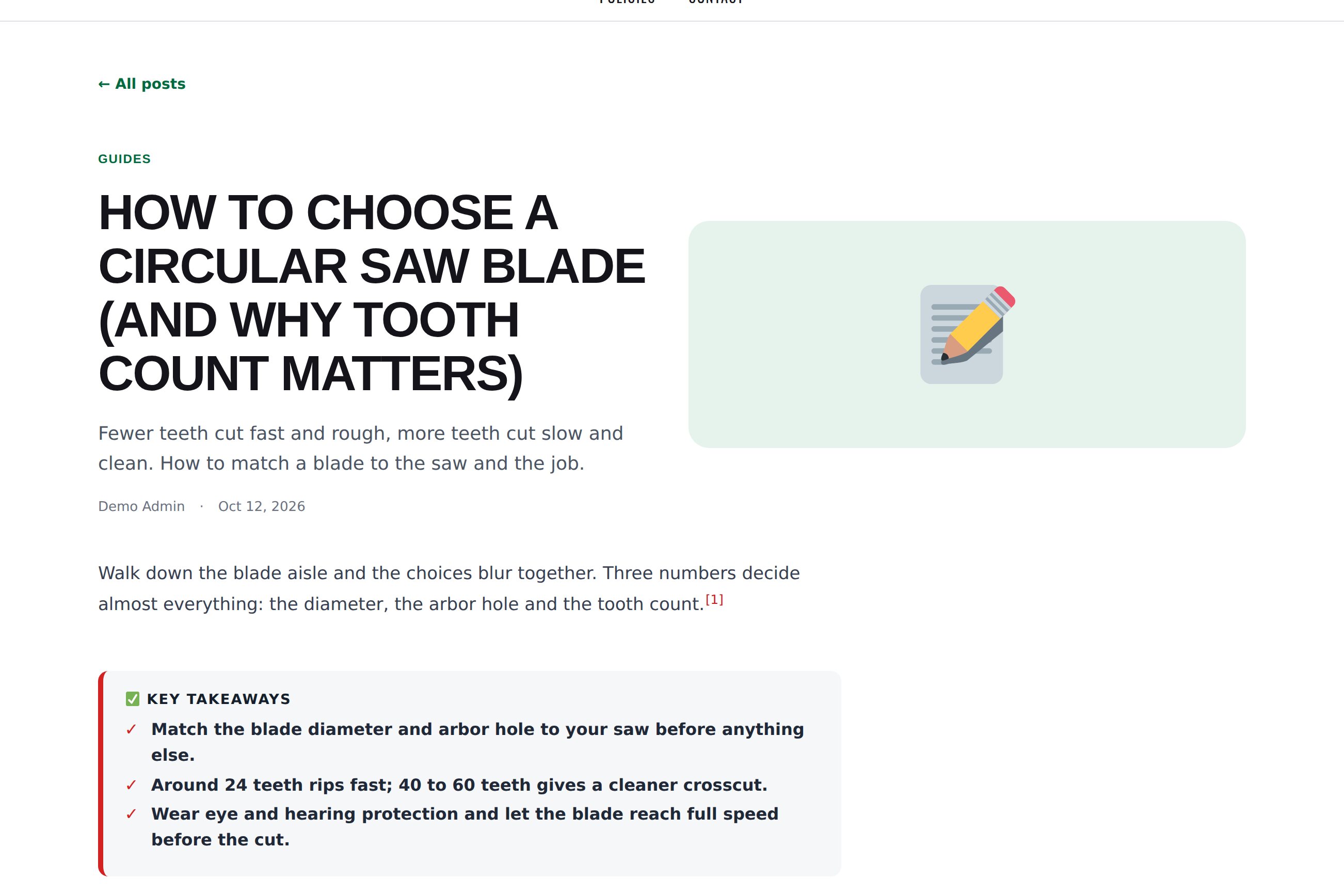
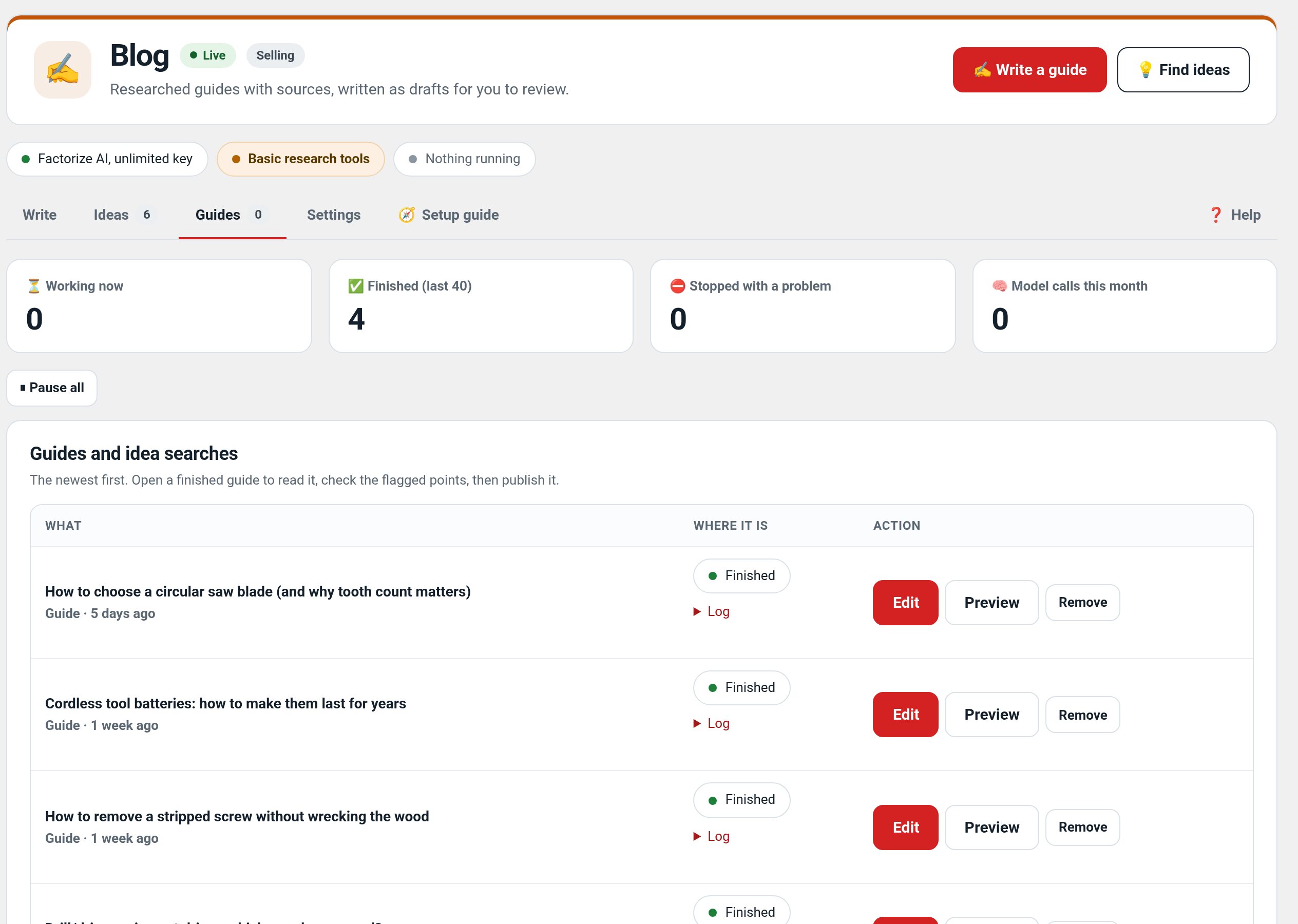
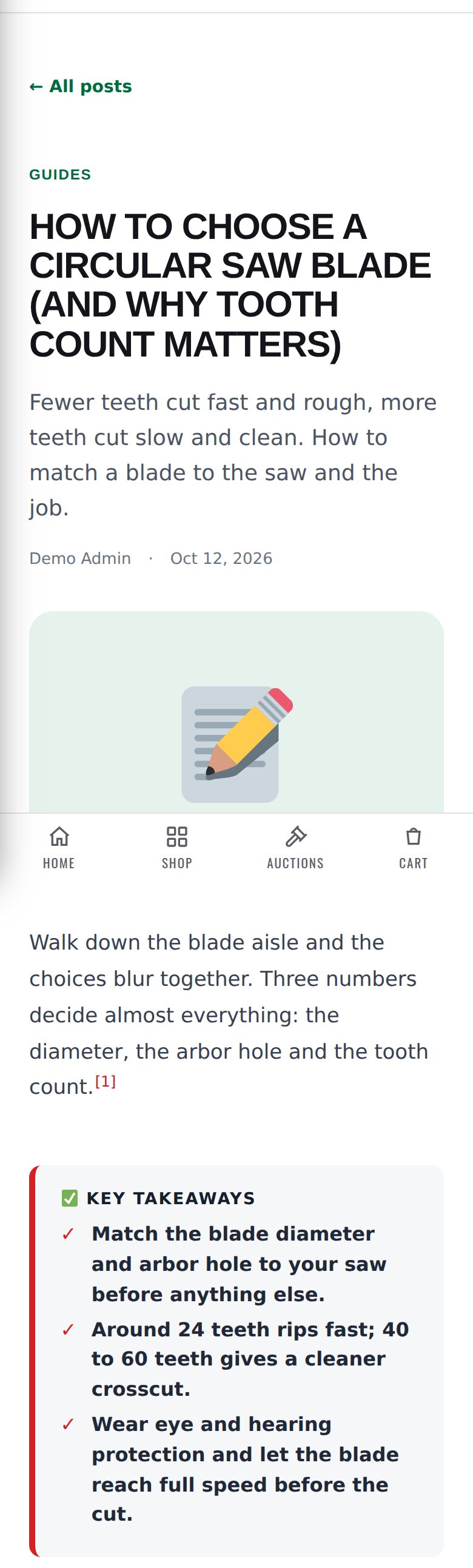
- Type a topic: it searches the web, reads the sources and writes a draft with numbered citations.
- Adds related videos, a block of your matching in-stock products and drawn pictures.
- Find ideas: scores topics by demand, gap, ease and fit, then writes the best one.
- Can write one or two drafts a week by itself. You always review before publishing.
Screenshots
Recent changes
- 1.5.0
- Guide preview from the unsaved colour and Writing switches.
- 1.4.5
- Tokens standard: every token amount, estimate, balance and the out-of-tokens message uses the suite hub's one text (tokens with dollars); free tasks say Free; paid tools always use tokens; Buy tokens moved to Factorize → Account
- 1.4.4
- Suite hub 1.12.3: the support bubble lifts above the save bar while the bar is on screen (on phones it no longer covers Save).