Docs · Fulfilment
Pickup Passes
A printable pass with a QR code for local pickup.
Download and install
Download Pickup Passes 1.5.0 (.zip, 318 KB)
- Go to Plugins → Add New Plugin → Upload Plugin.
- Choose the zip you downloaded, then click Install Now.
- Click Activate Plugin.
- Open Factorize → Pickup Passes.
Already installed? Updates arrive in Plugins like any other plugin. Full install guide
Where to find it
Factorize → Pickup PassesWhat it does
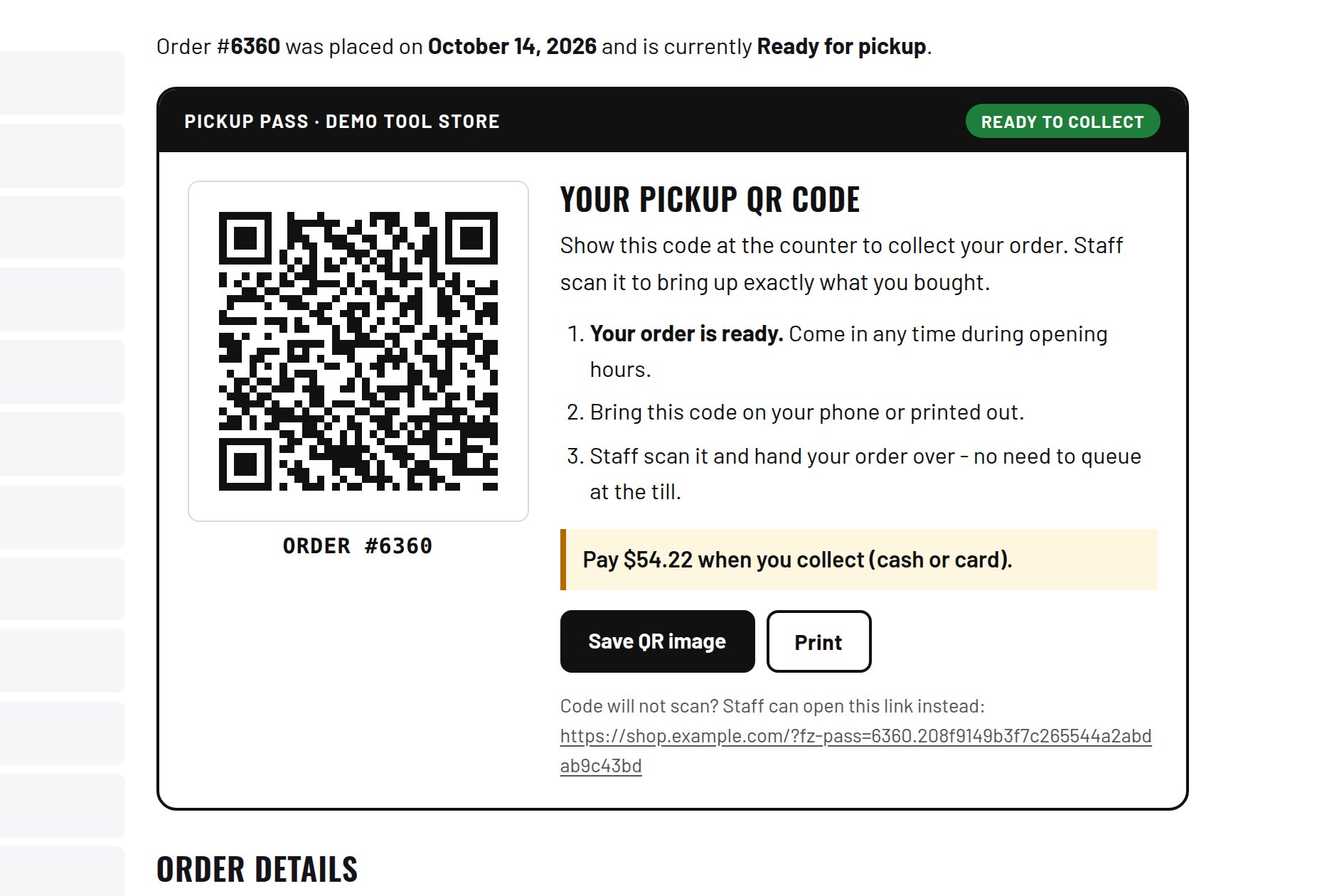
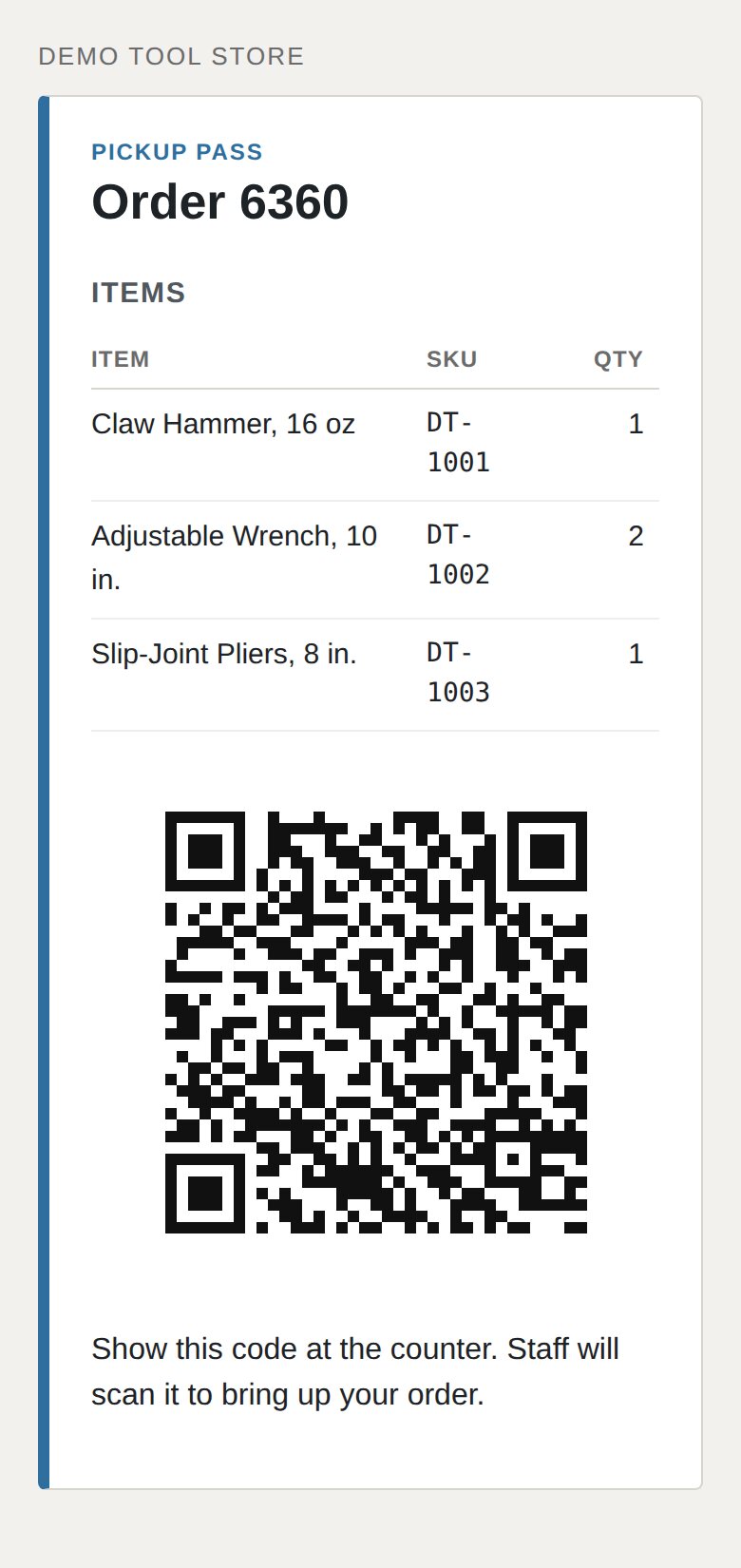
- The QR code is generated on your server.
- Shown after checkout, in the account, in the email, and by text.
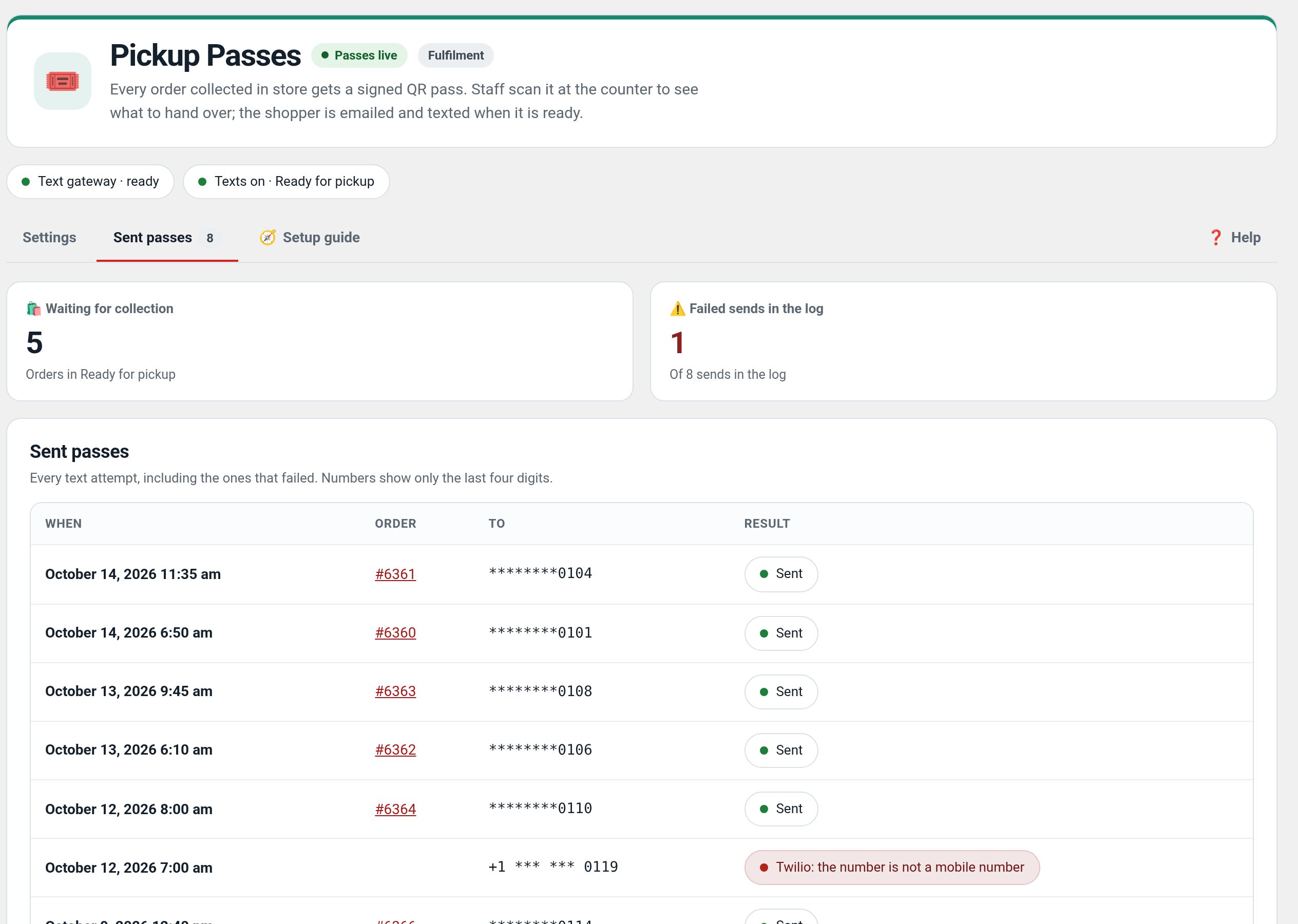
- Staff view shows payment status and a "Mark picked up" button.
- Scanning again shows who already collected the order.
Screenshots
What it does for you
Help staff match a pickup customer to a paid order and prevent the same pass being collected twice.
Features
- Order-linked QR passGenerate a pass on your WordPress site for eligible orders.
- Multiple customer touchpointsShow the pass after checkout, in the account, email, and optional text flow.
- Staff pickup screenReview payment state and mark an order collected.
- Repeat-scan statusA later scan can show that the order has already been collected.
Use cases
A store handing paid online orders to customers at a local pickup counter.
Example
Scan a paid test order's pickup pass at the counter and mark it collected.
Quick setup
- Activate Pickup Passes and configure eligible pickup orders in Factorize → Pickup Passes.
- Place a test order using local pickup in a staging store.
- Open the customer pass, scan it as staff, mark it collected, and scan again to verify the status.
Configuration
Step-by-step guide
- ExampleA staff member scans a paid local-pickup order, verifies the order summary, then marks it collected at handoff.
Q&A
Does this create shipping labels?
No. It is for local pickup handoff.
Should I test on live orders?
Use a staging order first; marking an order picked up changes its operational status.
Roadmap
What I need from you
The inputs only the store owner can supply — keys, wording, photos, decisions, hardware — with the exact screen or command for each: Factorize Pickup Passes — what I need from you (PDF).
Recent changes
- 1.5.0
- Text-message and pass previews on Settings; link to Local for the pick-up line; unsaved-changes warning.
- 1.4.4
- Suite hub 1.12.3: the support bubble lifts above the save bar while the bar is on screen (on phones it no longer covers Save).
- 1.4.3
- Suite hub 1.12.2: an SEO tab on the Factorize dashboard for the new SEO modules.