Docs · Storefront
Video Previews
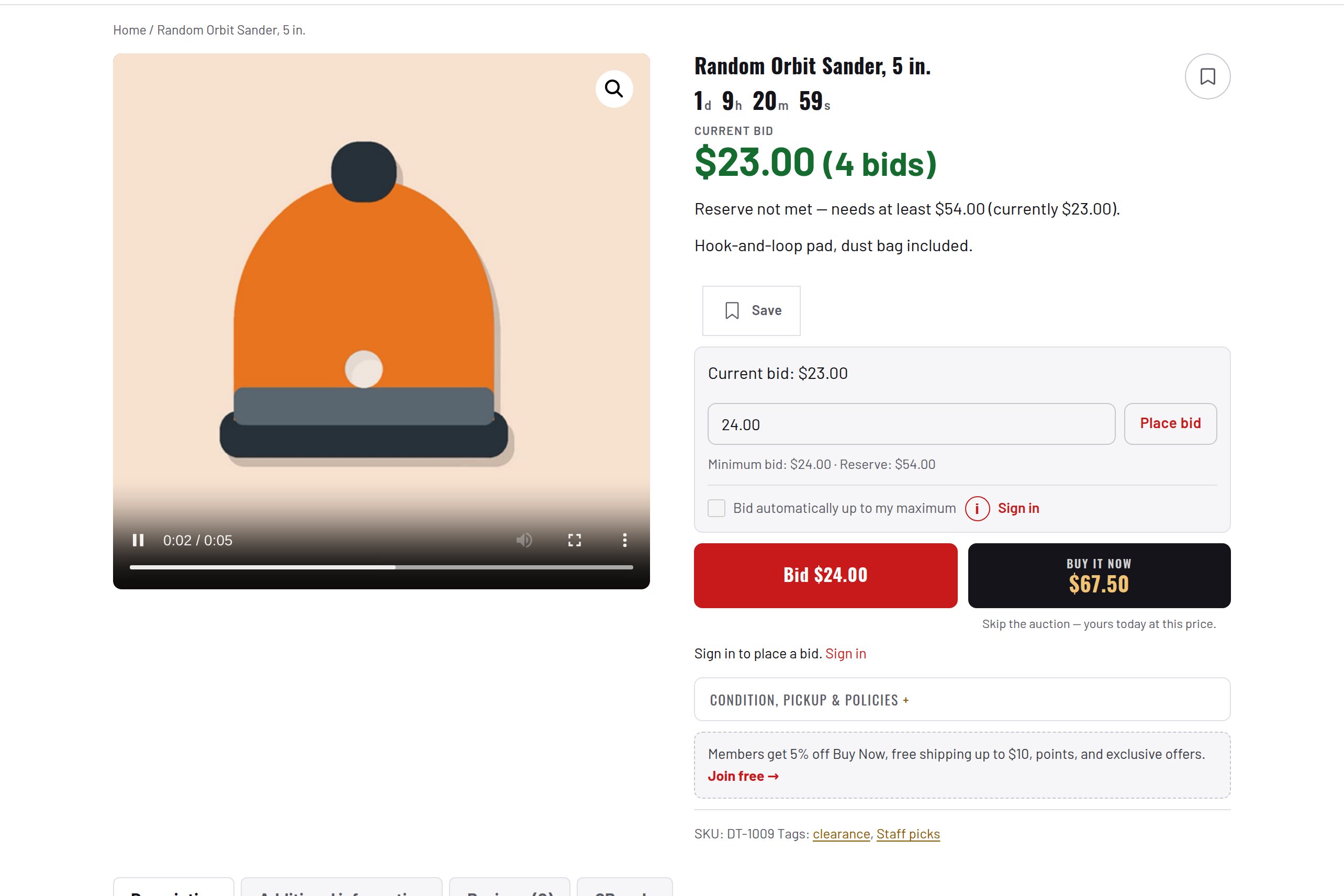
A short muted looping clip on product cards and in the gallery, while the photo stays first.
Download and install
Download Video Previews 1.2.0 (.zip, 244 KB)
- Go to Plugins → Add New Plugin → Upload Plugin.
- Choose the zip you downloaded, then click Install Now.
- Click Activate Plugin.
- Open Factorize → Video Previews.
Already installed? Updates arrive in Plugins like any other plugin. Full install guide
Where to find it
Factorize → Video previewsWhat it does
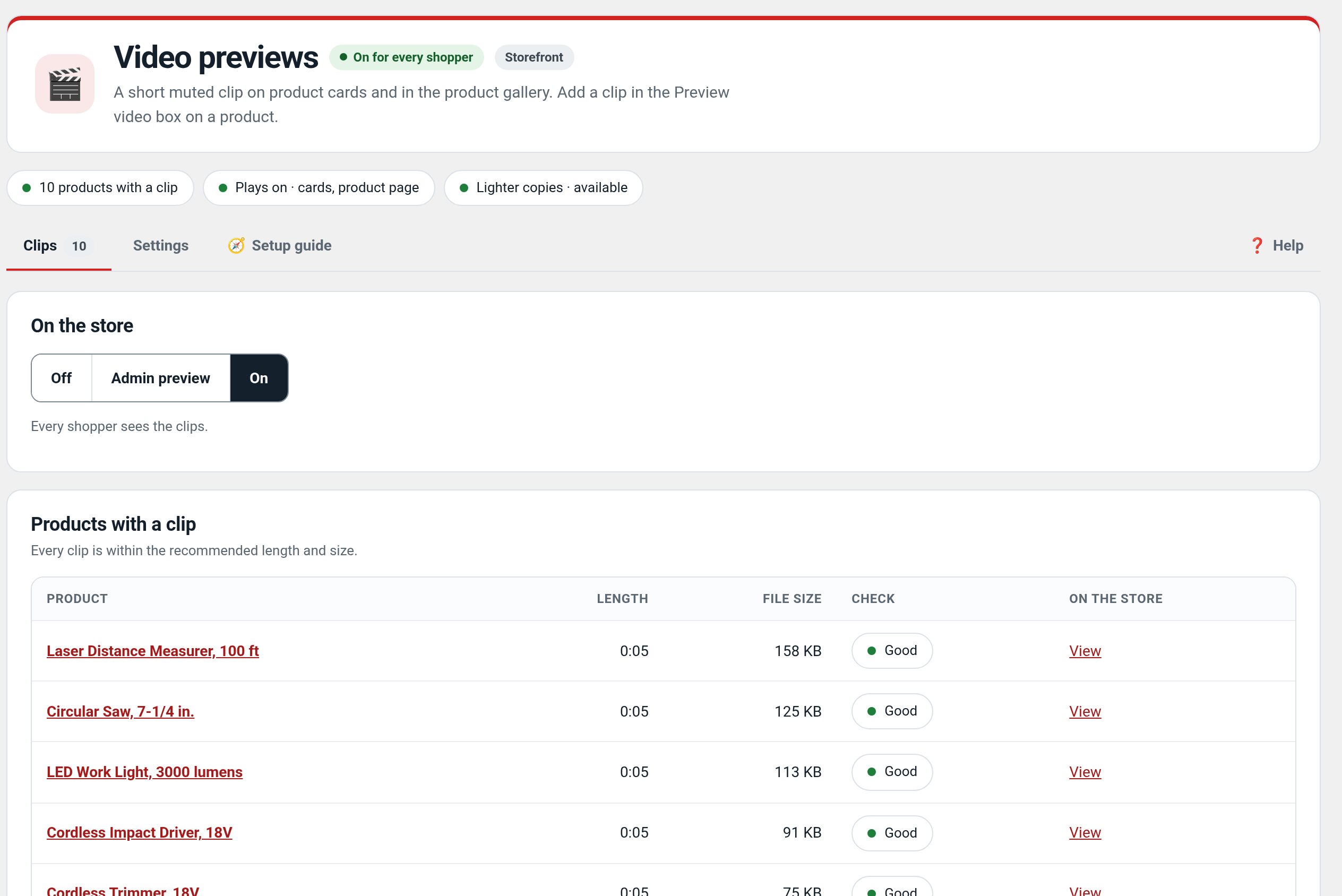
- Upload the clip on the product's edit screen.
- Plays on product cards while on screen and in the product page gallery.
- Nothing downloads until needed; the product photo is still the first thing that paints.
Screenshots

Recent changes
- 1.2.0
- Product card and gallery preview from the unsaved settings; Save changes wording.
- 1.1.3
- Suite hub 1.12.3: the support bubble lifts above the save bar while the bar is on screen (on phones it no longer covers Save).
- 1.1.2
- Suite hub 1.12.2: an SEO tab on the Factorize dashboard for the new SEO modules.