Site Builder
A wizard that packs a whole store into one zip.
Download and install
Download Site Builder 1.0.0 (.zip, 26 KB)
This one runs on your computer. It is not a WordPress plugin. Unzip it and follow the steps on this page.
Already installed? Updates arrive in Plugins like any other plugin. Full install guide
Where to find it
factorize-site-builder/What it does
- Theme, the plugins you pick, a demo seed and a start script.
- The zip runs on its own, away from this site.
Screenshots
What it does for you
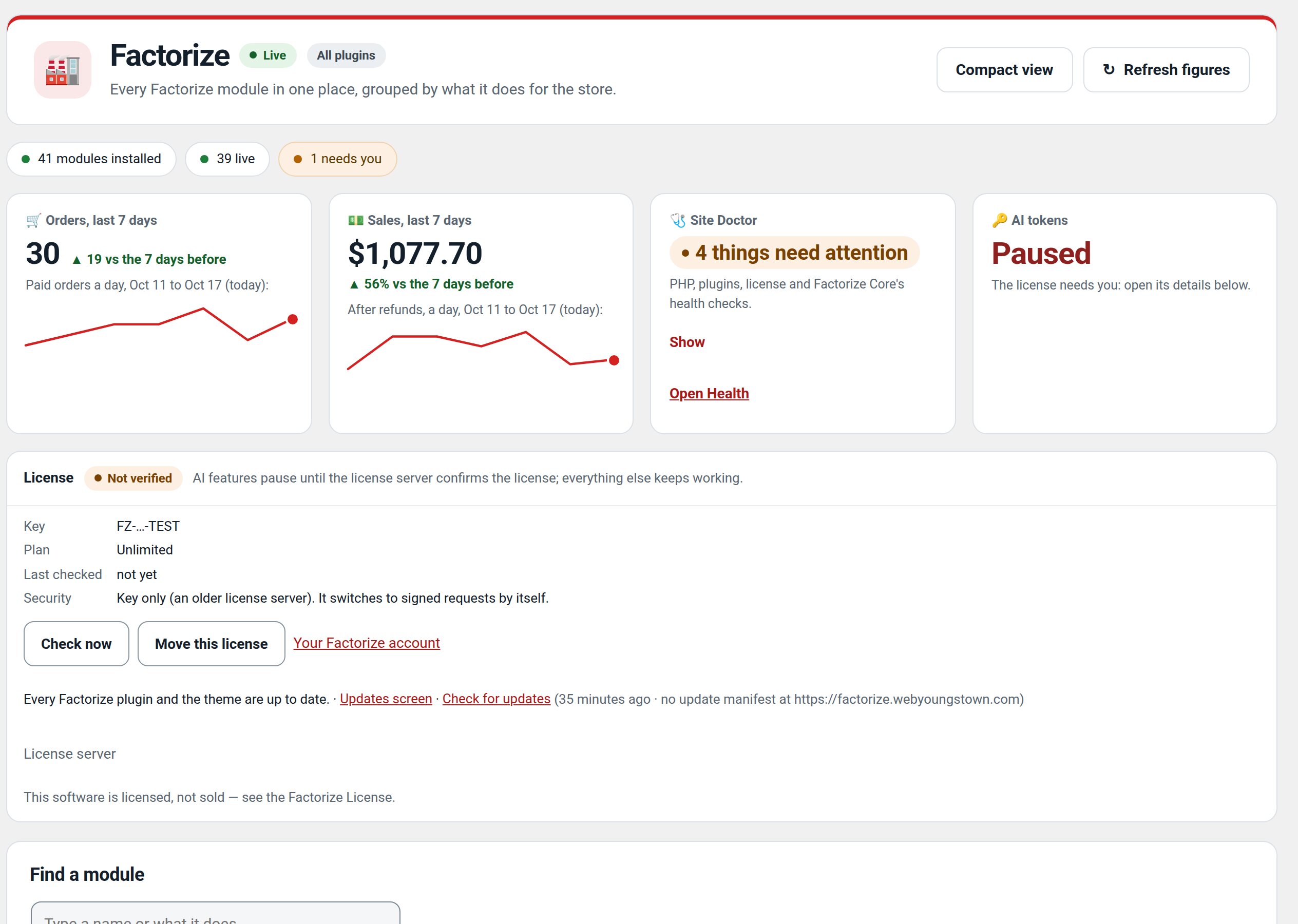
Run new-site.sh: it asks (native Windows dialogs under Git Bash, terminal dialogs elsewhere) for the store name, what it sells, a palette, the features, and demo size, then zips a complete store. Extract the zip anywhere, run start.sh, answer port / admin / URL, and it boots the containers, installs WordPress and WooCommerce, activates everything, and seeds the demo.
Features
- Wizard questionsName, tagline, address, phone, vertical, palette (dark or light), features, product count.
- ScriptableFSB_* environment variables answer every question for unattended builds; ST_* for start.sh.
- Self-contained zipdocker-compose.yml with a bind mount per bundled plugin, the theme, the seed, README-SETUP.md.
- start.shPort, admin credentials, site URL, auction length; then WordPress + WooCommerce (+ auction engine) install, activation, seed.
Use cases
A developer packaging a new, isolated WordPress store for deployment with Docker.
Example
Generate a clothing-store zip, extract it in a test folder, and run its start script.
Quick setup
- bash factorize-site-builder/new-site.sh (needs Python; Docker only where you run start.sh). Each site becomes its own folder next to the suite (the default output is the repo root).
- Extract <slug>-site.zip, ./start.sh (default port 8650).
Configuration
| key | default | effect |
|---|---|---|
FSB_NAME / FSB_VERTICAL / FSB_PALETTE / FSB_FEATURES / FSB_PRODUCTS | asked | pre-answer the wizard |
ST_PORT / ST_ADMIN_USER / ST_ADMIN_PASS / ST_URL | asked | pre-answer the installer |
The Setup plugin does the same job inside wp-admin for an existing WordPress; the builder is for a brand-new stack.
Step-by-step guide
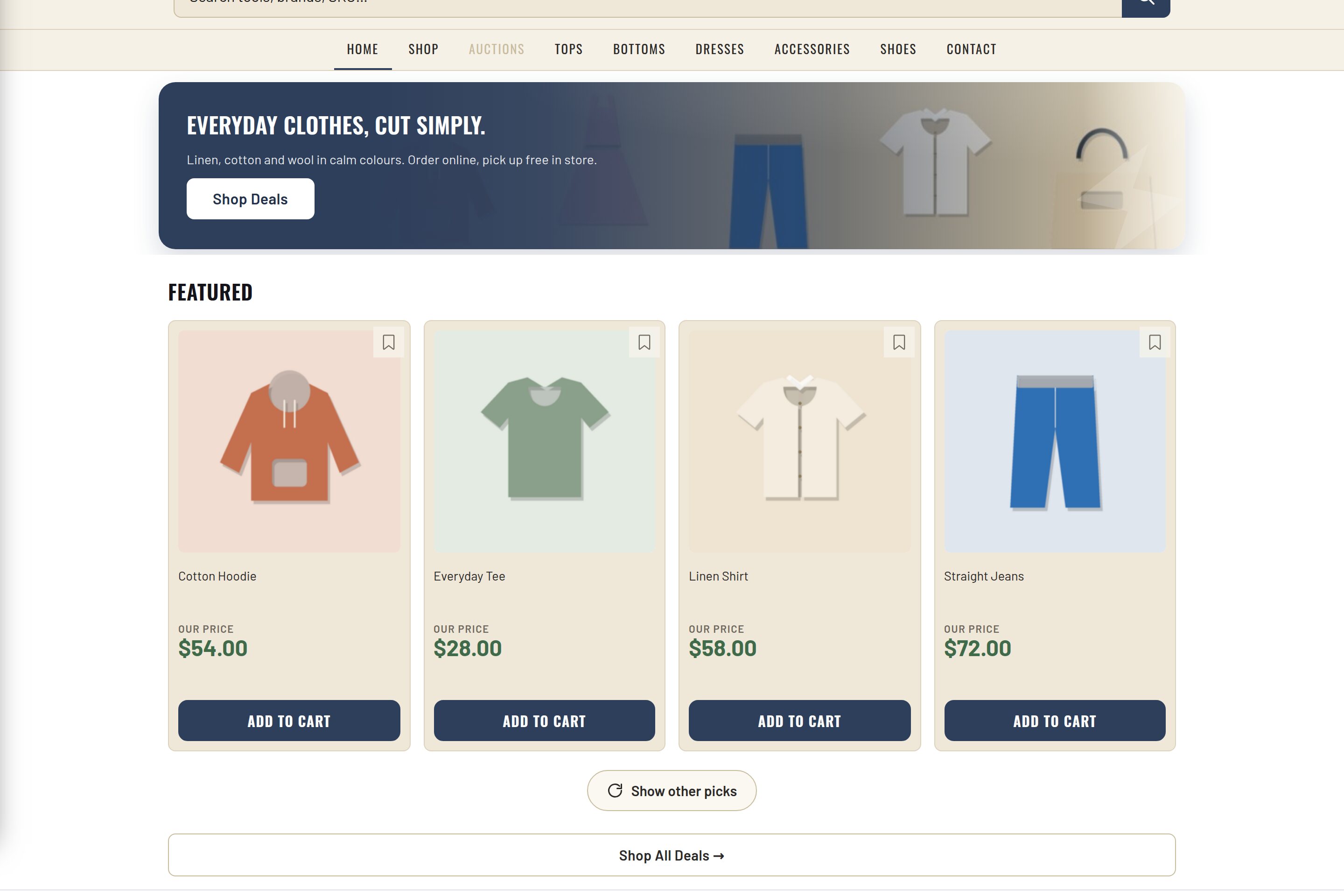
- Build a clothing storeFSB_NAME=clothing FSB_VERTICAL=clothing FSB_PALETTE=linen FSB_FEATURES="essentials catalog analytics storefront perks portal watch vision" bash new-site.sh — the verified run produced Linen & Thread, the light demo boutique shown in the pictures here.
Q&A
Docker on Windows?
Docker Desktop; the zip runs from any shared drive.
Roadmap
- Ship the Setup plugin inside the zip and let it drive the seed
Recent changes
- 1.0.0
- First release: packs the theme, the plugins you pick, a demo seed and a start script into one zip.