Docs · Selling
Bundler
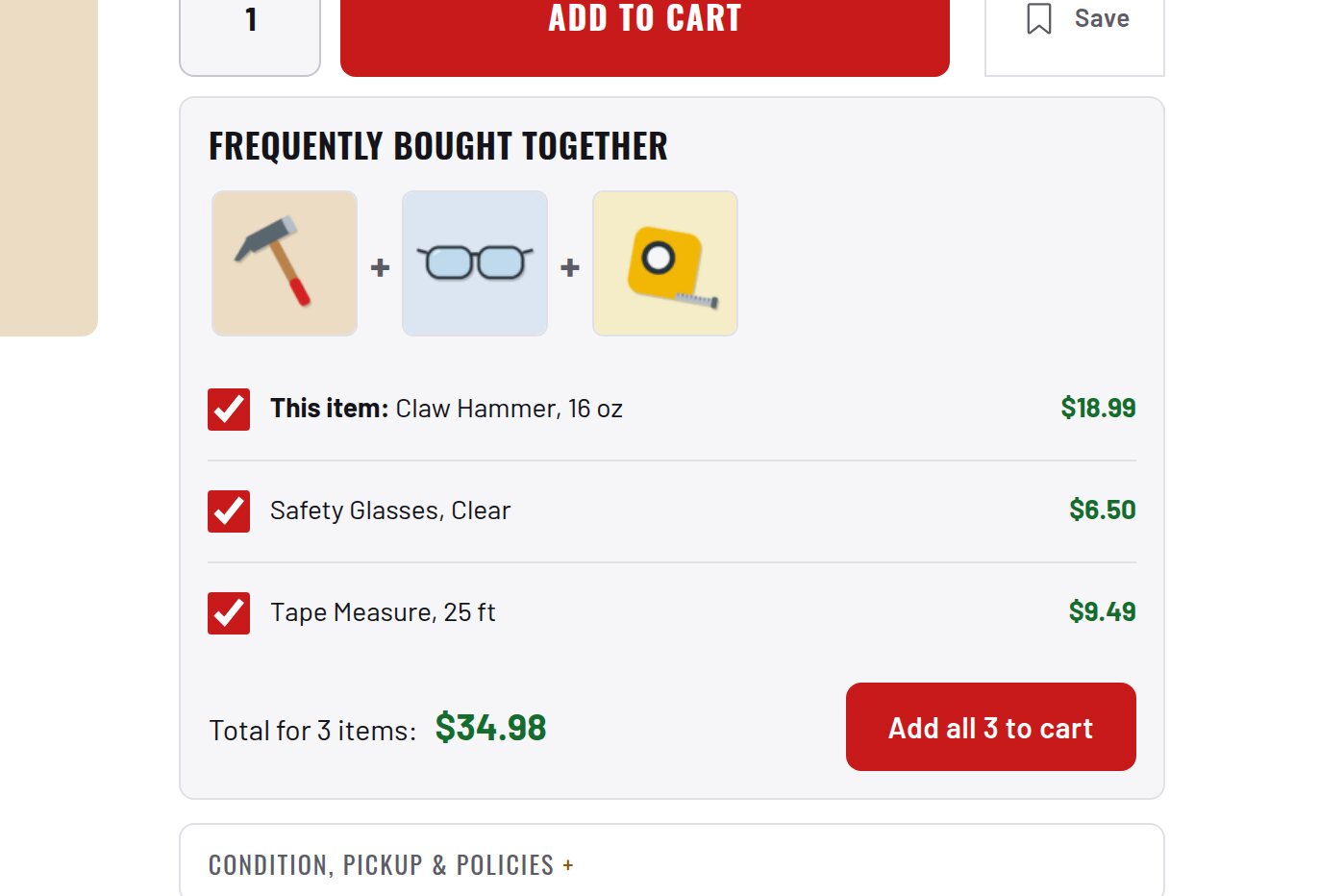
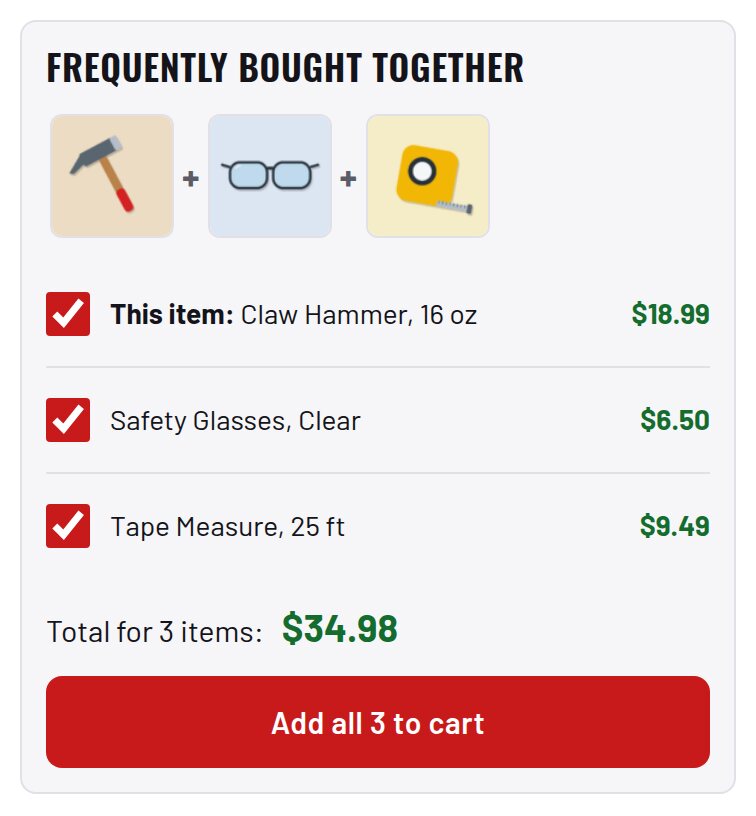
"Frequently bought together" under Add to cart, built from your own order history.
Download and install
Download Bundler 1.7.0 (.zip, 382 KB)
- Go to Plugins → Add New Plugin → Upload Plugin.
- Choose the zip you downloaded, then click Install Now.
- Click Activate Plugin.
- Open Factorize → Bundler.
Already installed? Updates arrive in Plugins like any other plugin. Full install guide
Where to find it
Factorize → BundlerWhat it does
- Thumbnails joined by +, checkboxes, a live total and one Add all to cart button.
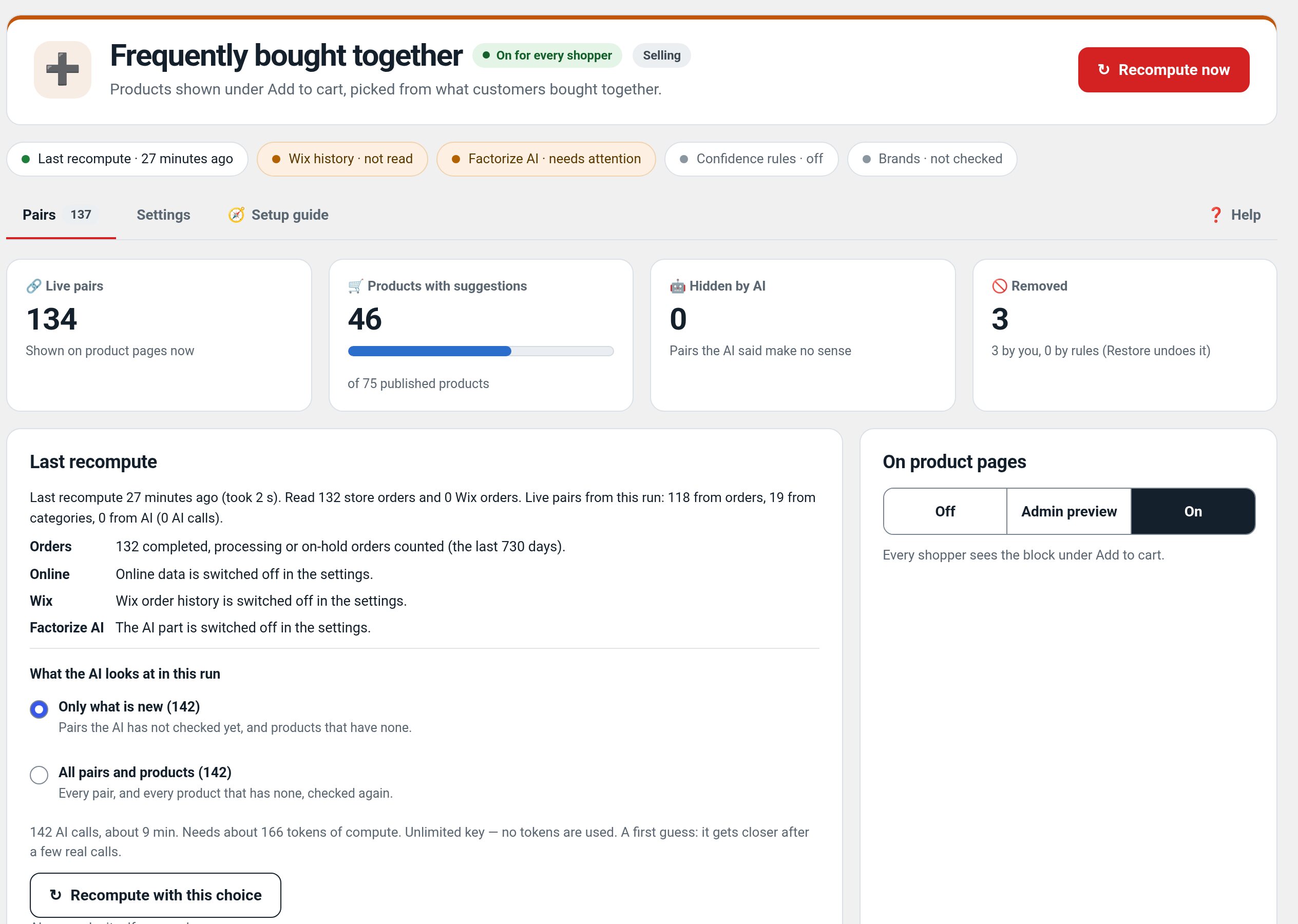
- Pairs come from your orders, real categories and optional AI, with one confidence per pair.
- Approve, remove or lock any pair on the review screen.
Screenshots
Recent changes
- 1.7.0
- Preview of the block under Add to cart from the unsaved settings.
- 1.6.5
- Tokens standard: every token amount, estimate, balance and the out-of-tokens message uses the suite hub's one text (tokens with dollars); free tasks say Free; paid tools always use tokens; Buy tokens moved to Factorize → Account
- 1.6.4
- Suite hub 1.12.3: the support bubble lifts above the save bar while the bar is on screen (on phones it no longer covers Save).