Docs · Selling
Marketplace Hub
Every marketplace you sell on or watch, in one place: inbox, listings, feeds and market watch.
Download and install
Download Marketplace Hub 2.4.2 (.zip, 466 KB)
- Go to Plugins → Add New Plugin → Upload Plugin.
- Choose the zip you downloaded, then click Install Now.
- Click Activate Plugin.
- Open Factorize → Marketplace Hub.
Already installed? Updates arrive in Plugins like any other plugin. Full install guide
Where to find it
Factorize → MarketplaceWhat it does
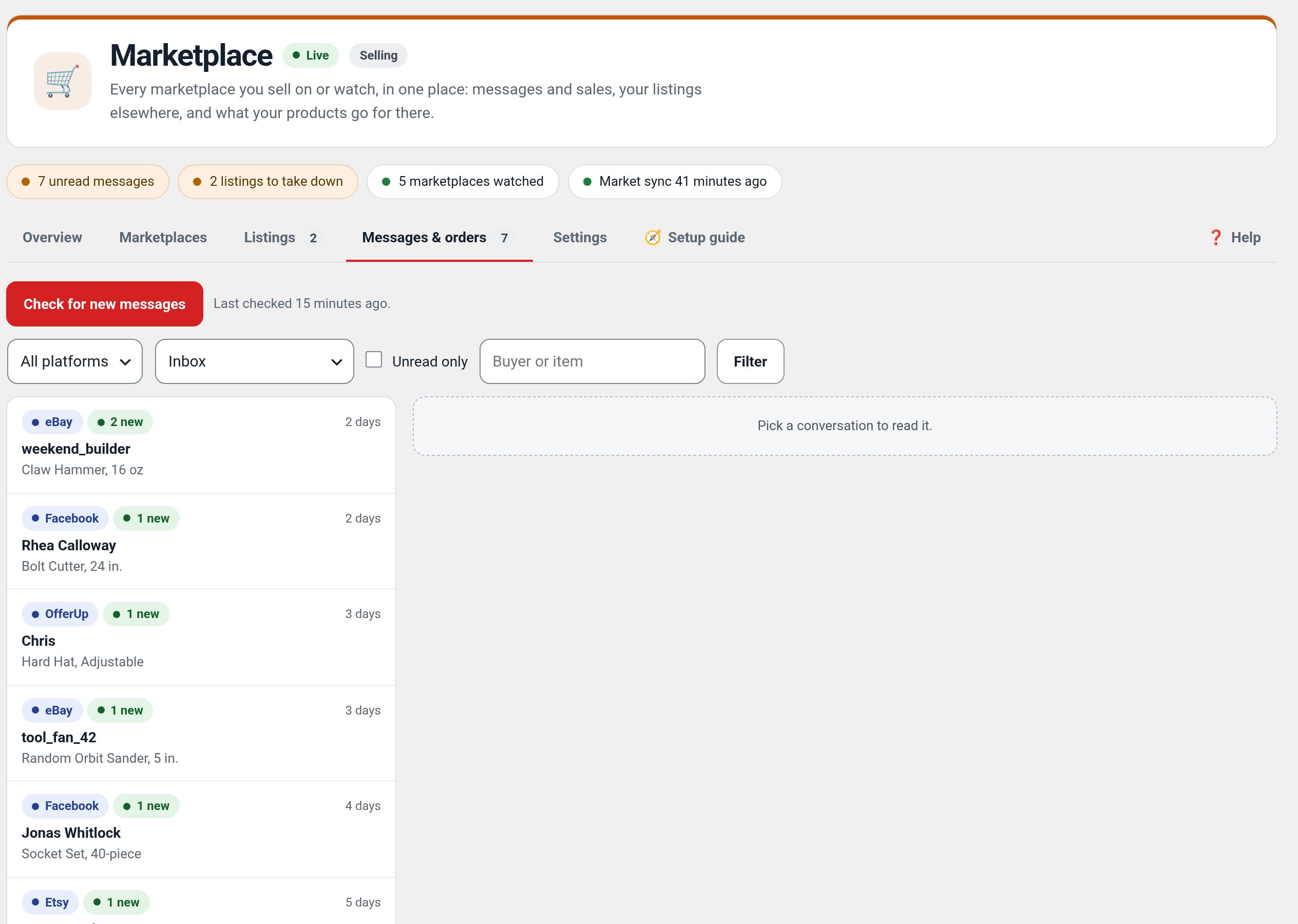
- One inbox for buyers' messages and sales.
- A Facebook catalog feed, an eBay upload file and listing packs, with take-down reminders.
- Market watch: what your best sellers are listed for on eBay, Etsy, Amazon, Poshmark, OfferUp, Craigslist, Whatnot and Depop (read-only).
- Works without developer keys; your own keys switch on the official APIs.
Recent changes
- 2.4.2
- Factorize Product Facts and Factorize Sold Items hook in: new filters fzmkt_listing_fields, fzmkt_product_condition, fzmkt_feed_gtin and fzmkt_feed_drop_sold. The SKU is no longer sent as the manufacturer's model number (new setting 'Send the SKU as the model number', off; when on, only new and open-box items get it), and a Google feed item with no barcode and no brand plus model number says identifier_exists = no.
- 2.4.1
- Suite hub 1.12.3: the support bubble lifts above the save bar while the bar is on screen (on phones it no longer covers Save).
- 2.4.0
- One Channels screen for Google, Bing and Pinterest, Facebook and Instagram, eBay, Etsy and Whatnot, with dry run per channel and no overselling across channels.
- The product feed sends each variation, Meta catalog columns, shipping by country and weight, and a labels feed; Feed health shows why items were left out.
- eBay listings, stock, price, orders and tracking; Etsy listings, stock and orders; Whatnot CSV, show prep and order import.
- Suite hub 1.12.2: an SEO tab on the Factorize dashboard for the new SEO modules.