Docs · Fulfilment
Shipping
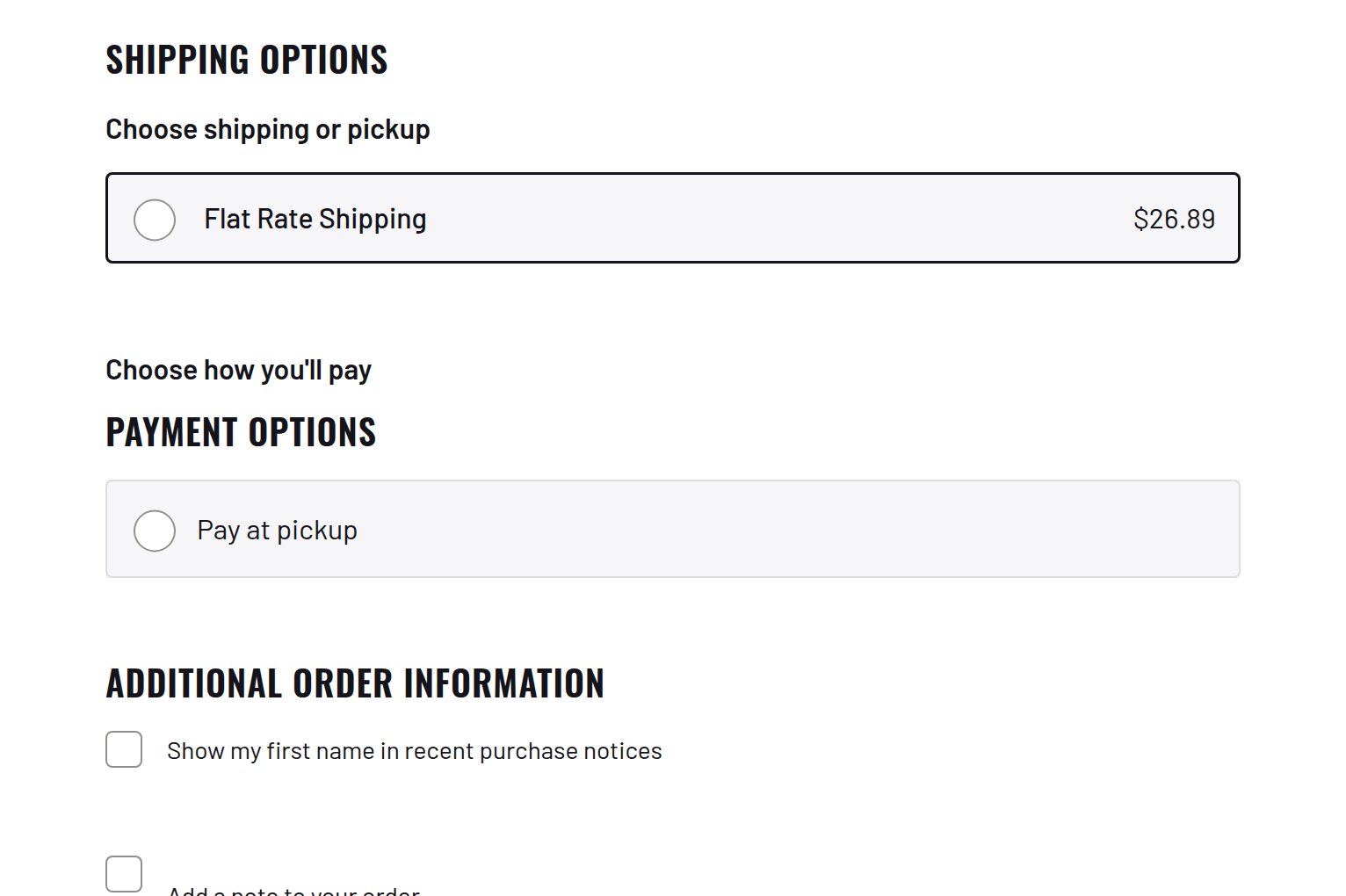
Gives every product the shipping class that matches its weight.
Download and install
Download Shipping 1.1.5 (.zip, 261 KB)
- Go to Plugins → Add New Plugin → Upload Plugin.
- Choose the zip you downloaded, then click Install Now.
- Click Activate Plugin.
- Open Factorize → Shipping.
Already installed? Updates arrive in Plugins like any other plugin. Full install guide
Where to find it
Factorize → ShippingWhat it does
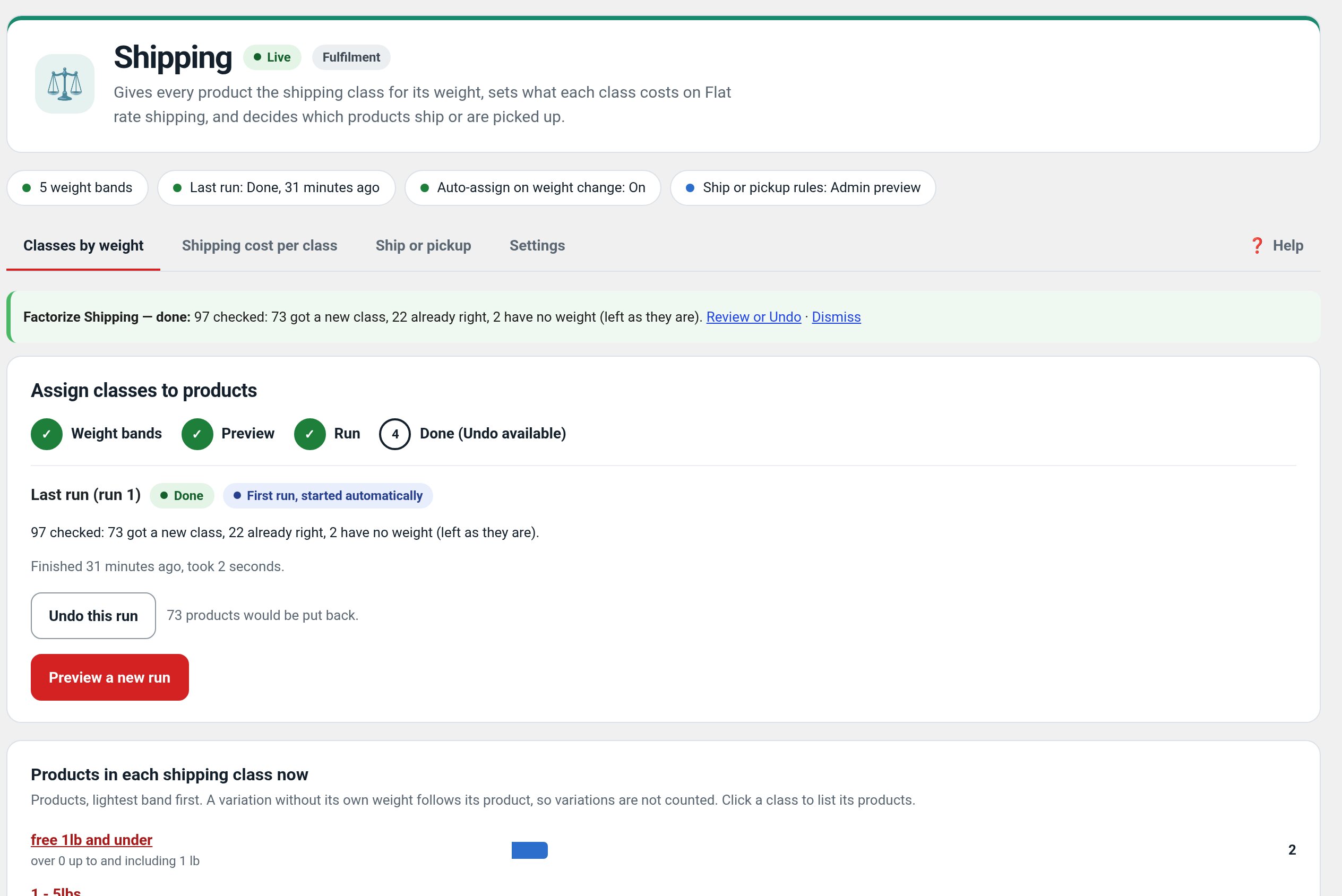
- Weight bands from 0 to 100+ with no gaps and no overlaps.
- Preview first, then run in the background with a progress bar.
- Undo puts every class back.
Screenshots
Recent changes
- 1.1.5
- The rollout state 'Admin preview' is now called 'Only admins see it'.
- 1.1.4
- Suite hub 1.12.3: the support bubble lifts above the save bar while the bar is on screen (on phones it no longer covers Save).
- 1.1.3
- Suite hub 1.12.2: an SEO tab on the Factorize dashboard for the new SEO modules.