Docs · SEO
Reviews
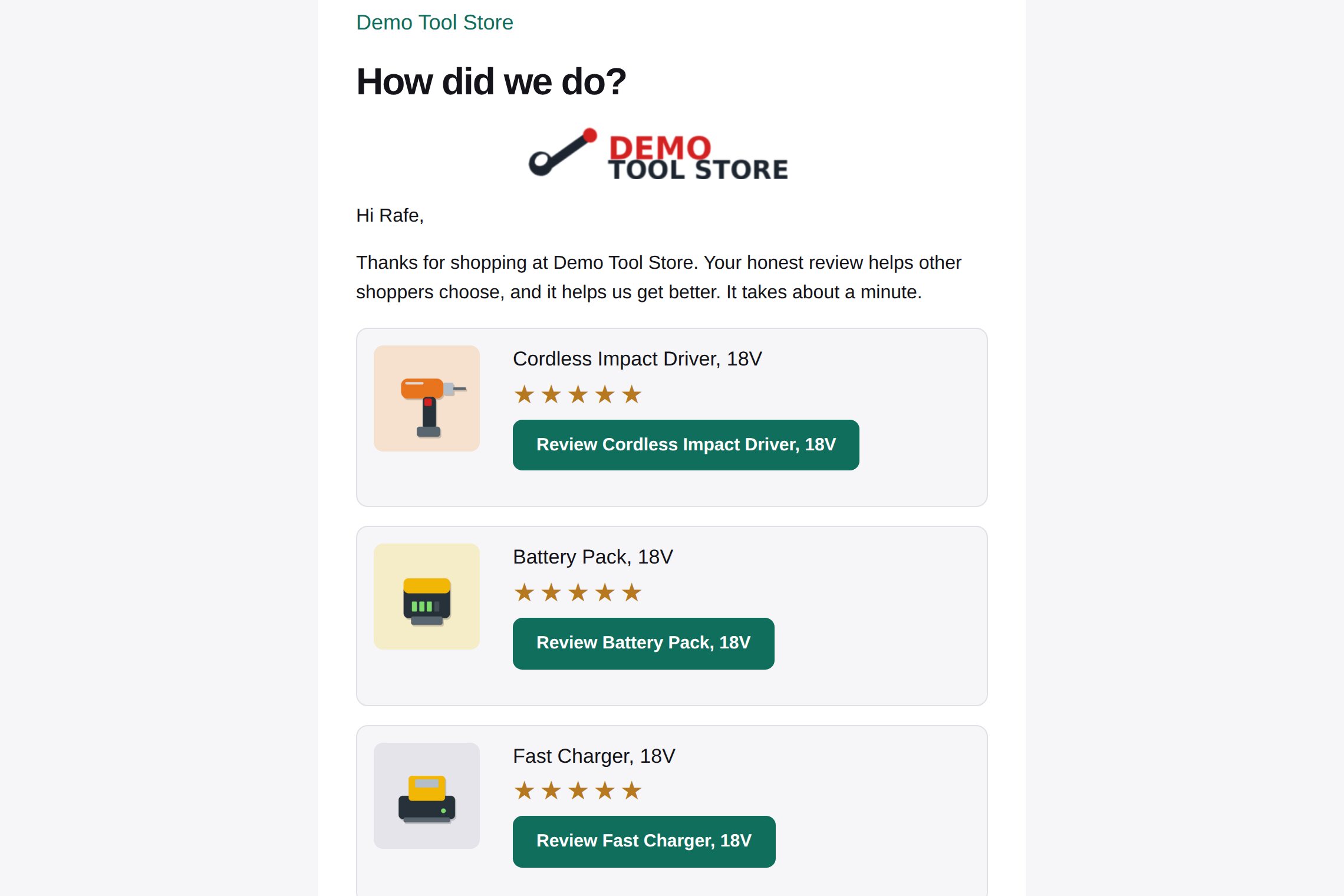
Asks every buyer for a review after delivery or pickup with a store-styled email, and shows your Google reviews beside your own.
Download and install
Download Reviews 1.0.2 (.zip, 206 KB)
- Go to Plugins → Add New Plugin → Upload Plugin.
- Choose the zip you downloaded, then click Install Now.
- Click Activate Plugin.
- Open Factorize → Reviews.
Already installed? Updates arrive in Plugins like any other plugin. Full install guide
Where to find it
Factorize → ReviewsWhat it does
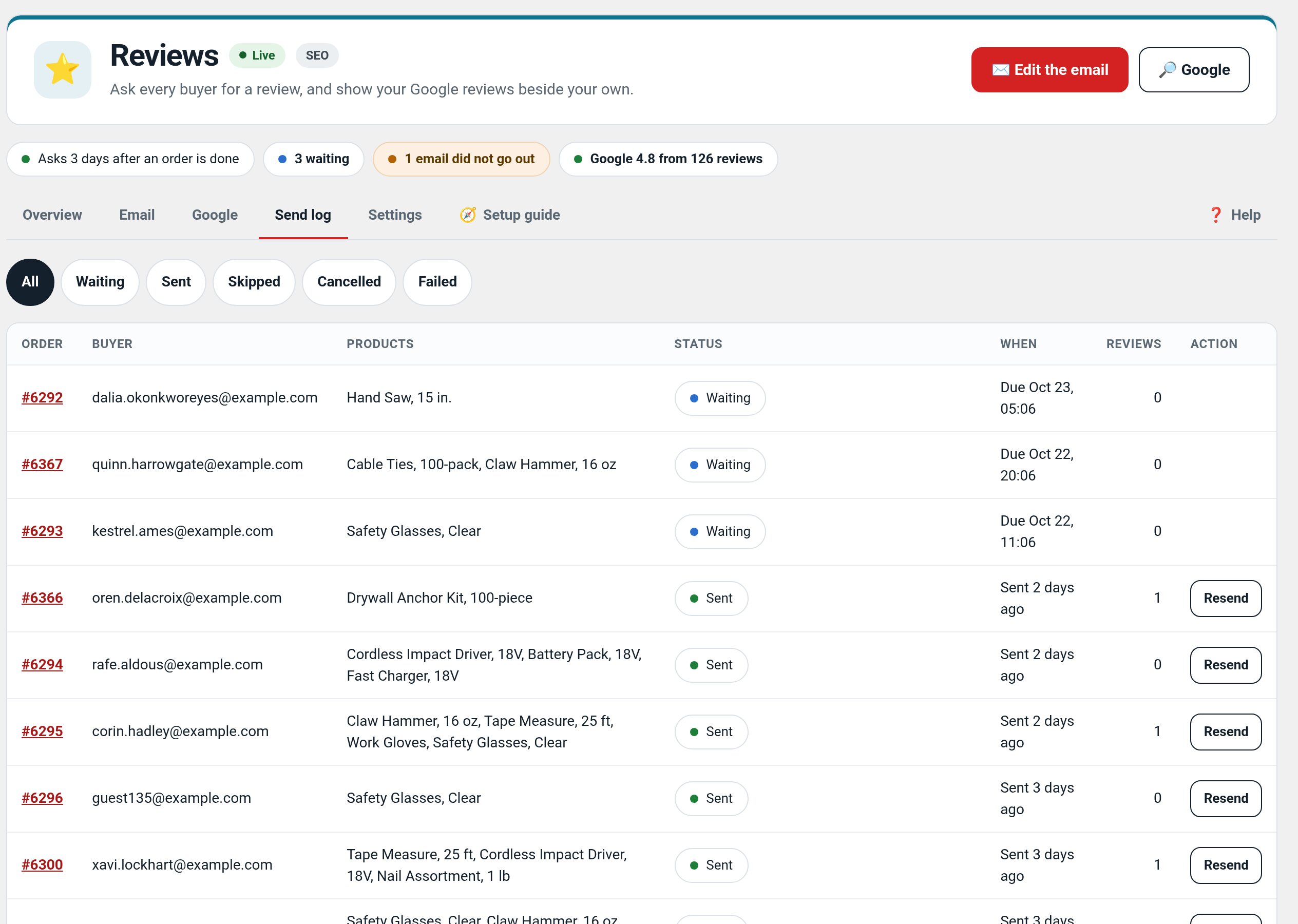
- Store-styled review email per order, never twice, with one-click unsubscribe.
- Per-product and per-category wording, live preview and a test send.
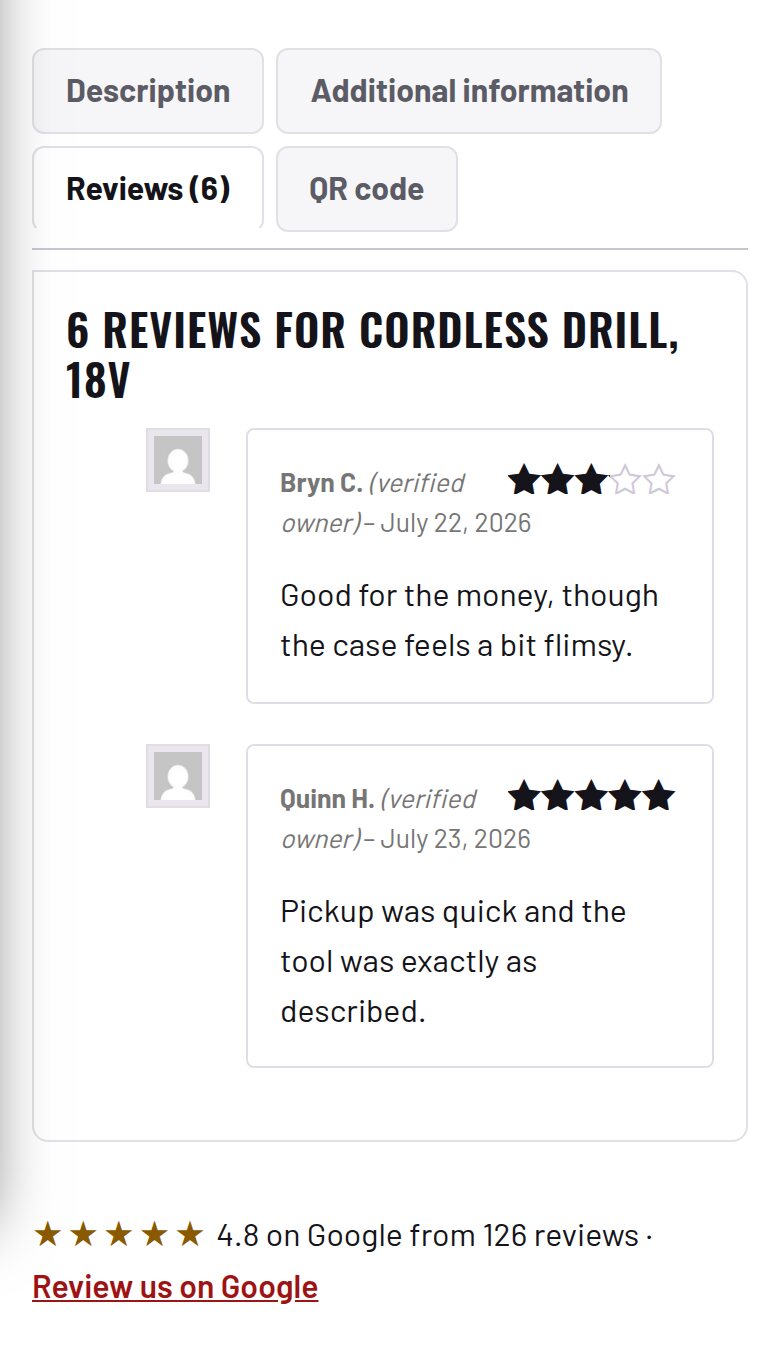
- Your Google listing: review link, rating and latest reviews.
Screenshots
Recent changes
- 1.0.2
- The test email sends what is on screen and says so.
- 1.0.1
- One store logo at the top of the review email (no plain store name above the heading); the Google box and strip use the theme's button, radius, font and gold; the unsubscribe page uses the store theme; 'color' wording; shared admin styles. Suite hub 1.12.3: the support bubble lifts above the save bar.
- 1.0.0
- First release: review requests by email after delivery or pickup, Google review link and rating, send log with resend.