Factorize · Selling
Shuffle Replaced
Replaced by Swipe. Kept so existing [factorize_shuffle] pages keep working.
New stores should use Swipe.
Download and install
Download Shuffle 1.0.6 (.zip, 180 KB)
- Go to Plugins → Add New Plugin → Upload Plugin.
- Choose the zip you downloaded, then click Install Now.
- Click Activate Plugin.
- Open Factorize → Shuffle.
Already installed? Updates arrive in Plugins like any other plugin. Full install guide
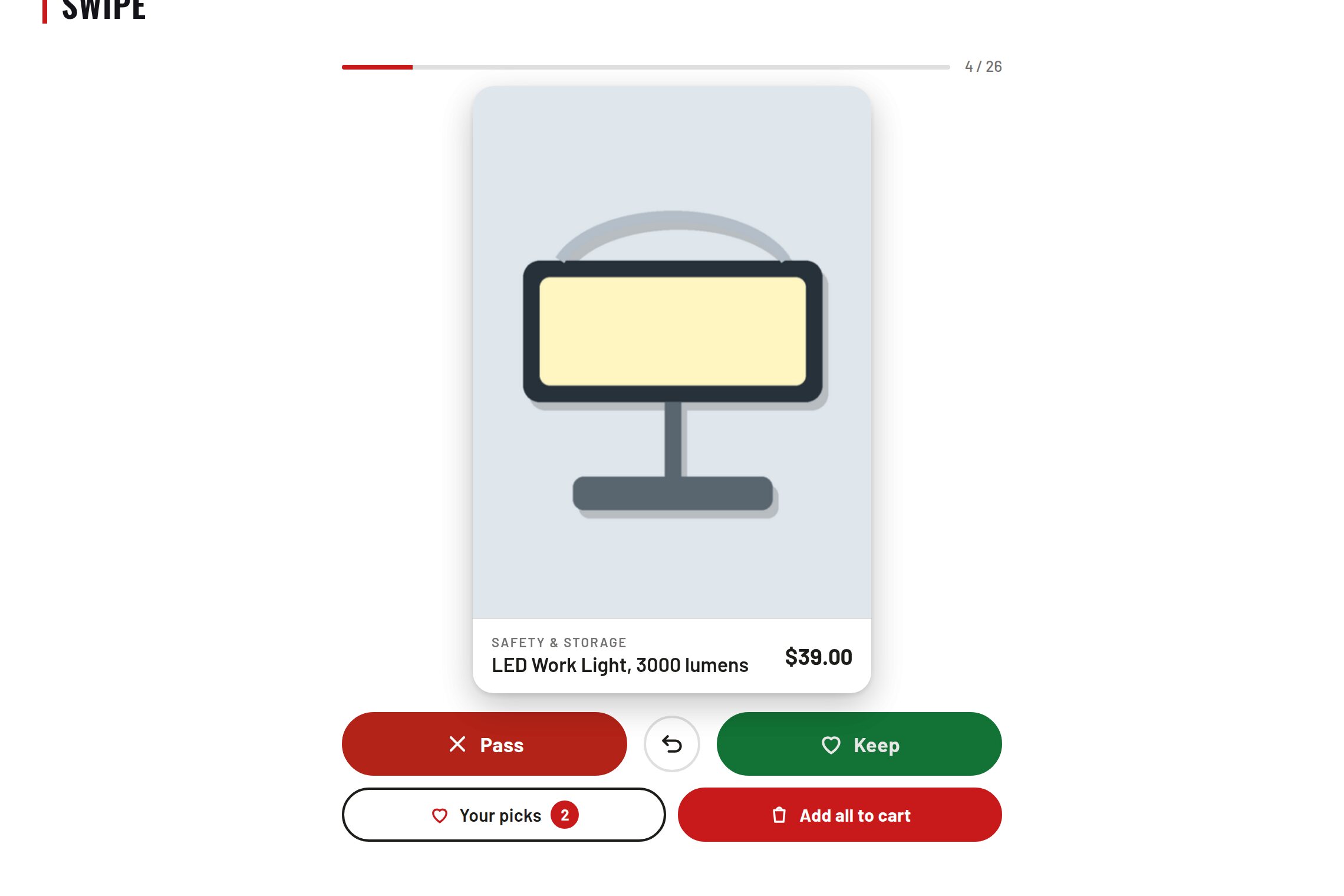
One design fills the phone: mockup, name, price.
Swipe left to pass, right to save, tap to open.
Buttons and arrow keys for anyone who cannot swipe.