Factorize · Selling
Swipe
Shoppers swipe through products and add their picks in one tap.
Download and install
Download Swipe 1.2.7 (.zip, 256 KB)
- Go to Plugins → Add New Plugin → Upload Plugin.
- Choose the zip you downloaded, then click Install Now.
- Click Activate Plugin.
- Open Factorize → Swipe.
Already installed? Updates arrive in Plugins like any other plugin. Full install guide
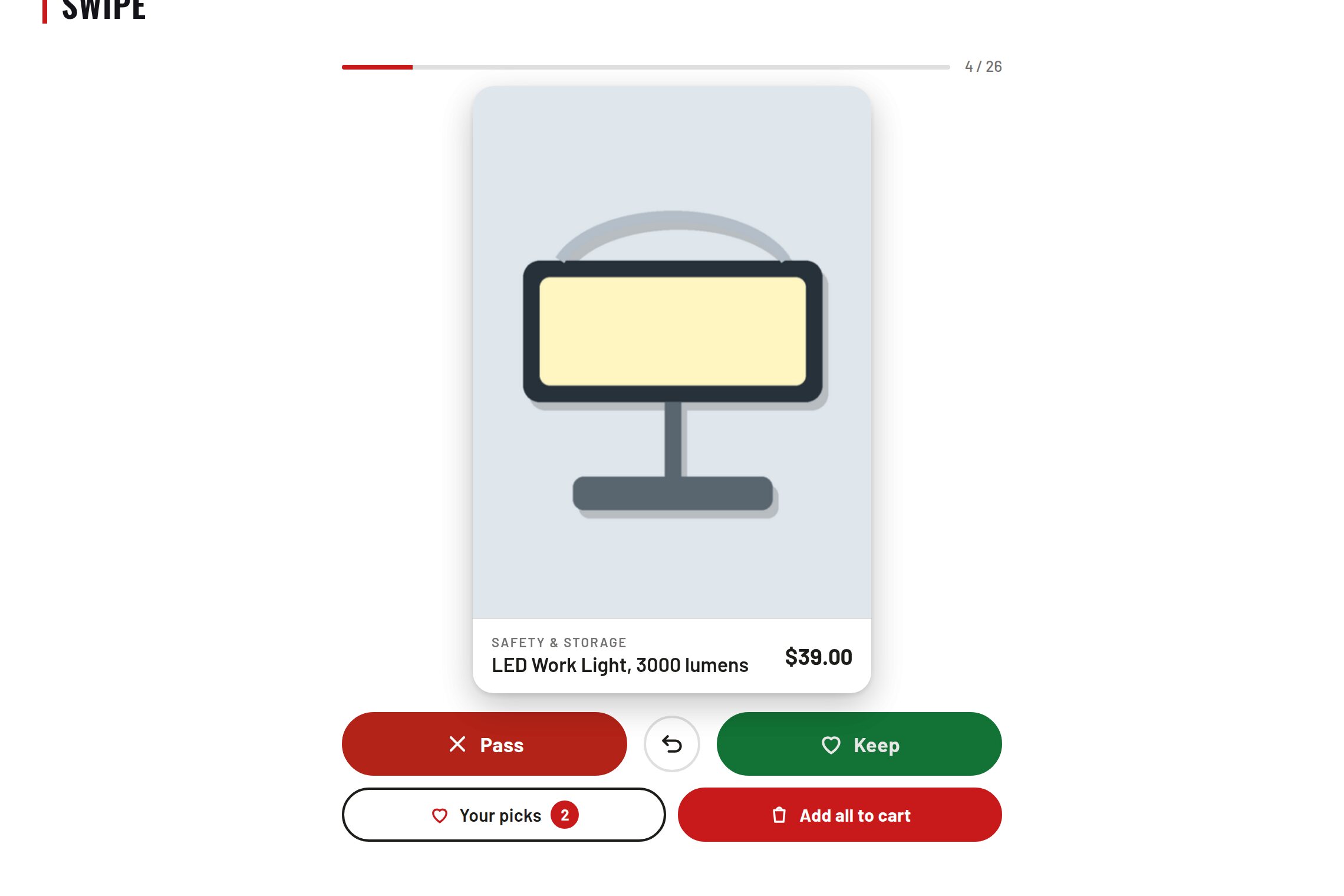
One product at a time: swipe or tap right to keep, left to pass.
A picks panel adds one or all of them to the cart, then goes to the cart.
A "your taste" podium, and odds that lean gently toward what each shopper keeps.
A block, an Elementor widget and a shortcode. Colours come from your theme.