Factorize · Storefront
Video Previews
A short muted looping clip on product cards and in the gallery, while the photo stays first.
Download and install
Download Video Previews 1.2.0 (.zip, 244 KB)
- Go to Plugins → Add New Plugin → Upload Plugin.
- Choose the zip you downloaded, then click Install Now.
- Click Activate Plugin.
- Open Factorize → Video Previews.
Already installed? Updates arrive in Plugins like any other plugin. Full install guide
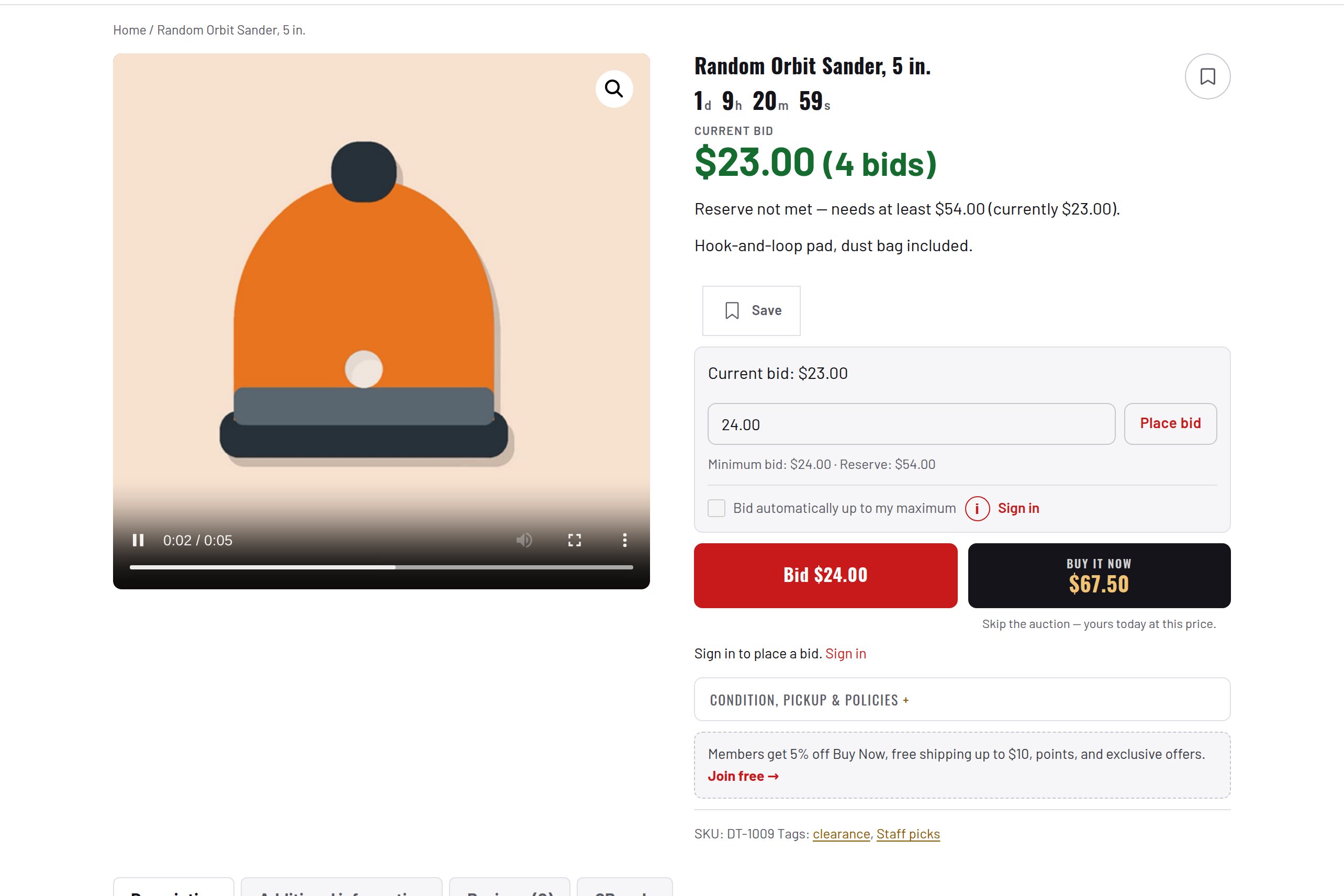
Upload the clip on the product's edit screen.
Plays on product cards while on screen and in the product page gallery.
Nothing downloads until needed; the product photo is still the first thing that paints.