Factorize · Loyalty
Saves
Save a design for later without signing up.
Download and install
Download Saves 1.2.5 (.zip, 226 KB)
- Go to Plugins → Add New Plugin → Upload Plugin.
- Choose the zip you downloaded, then click Install Now.
- Click Activate Plugin.
- Open Factorize → Saves.
Already installed? Updates arrive in Plugins like any other plugin. Full install guide
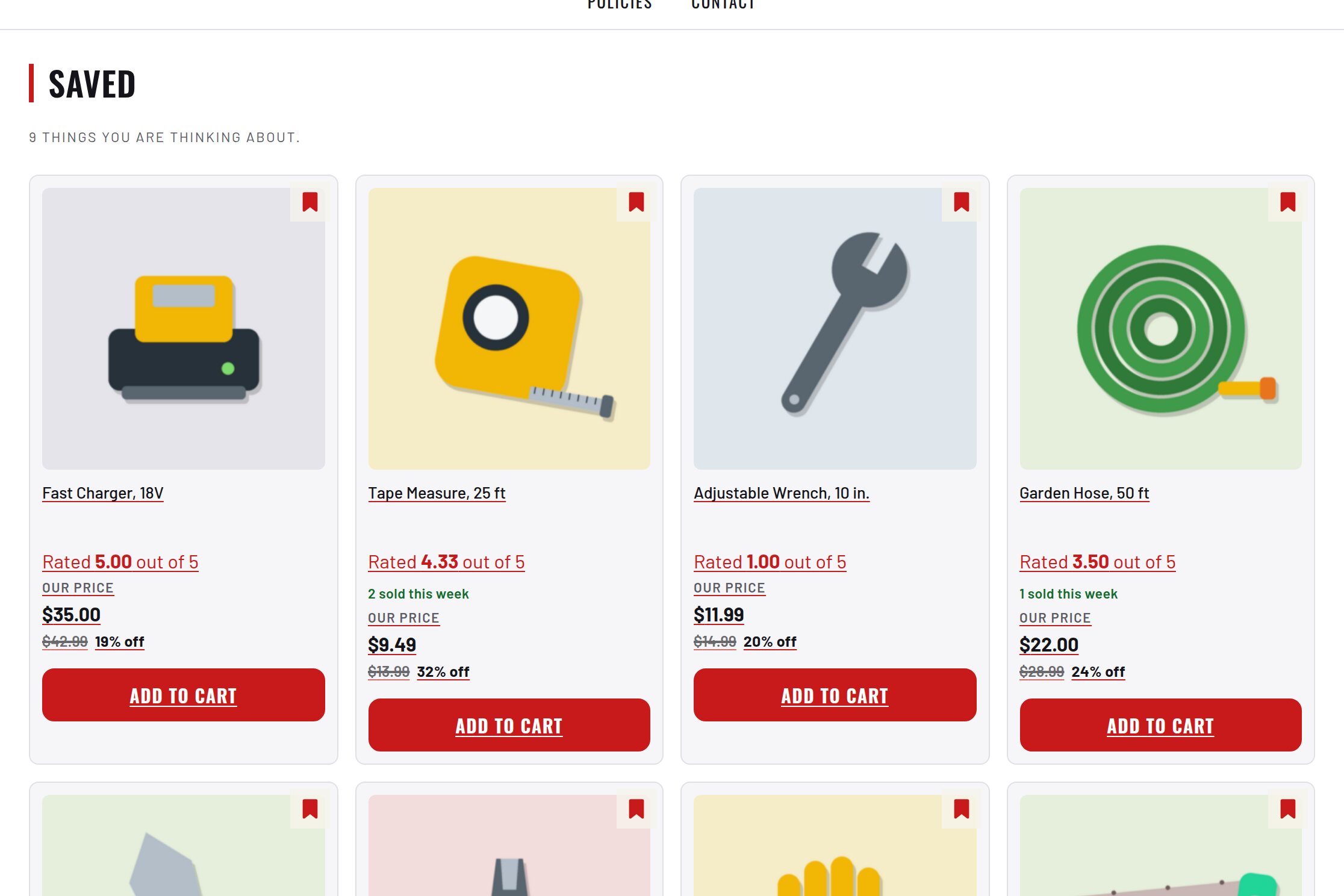
A bookmark on every card and a Saved page.
The list survives a reload and joins the account on sign-in.
An admin screen showing what people are keeping.