FACTORIZE
Factorize · Selling

Factorize Catalog

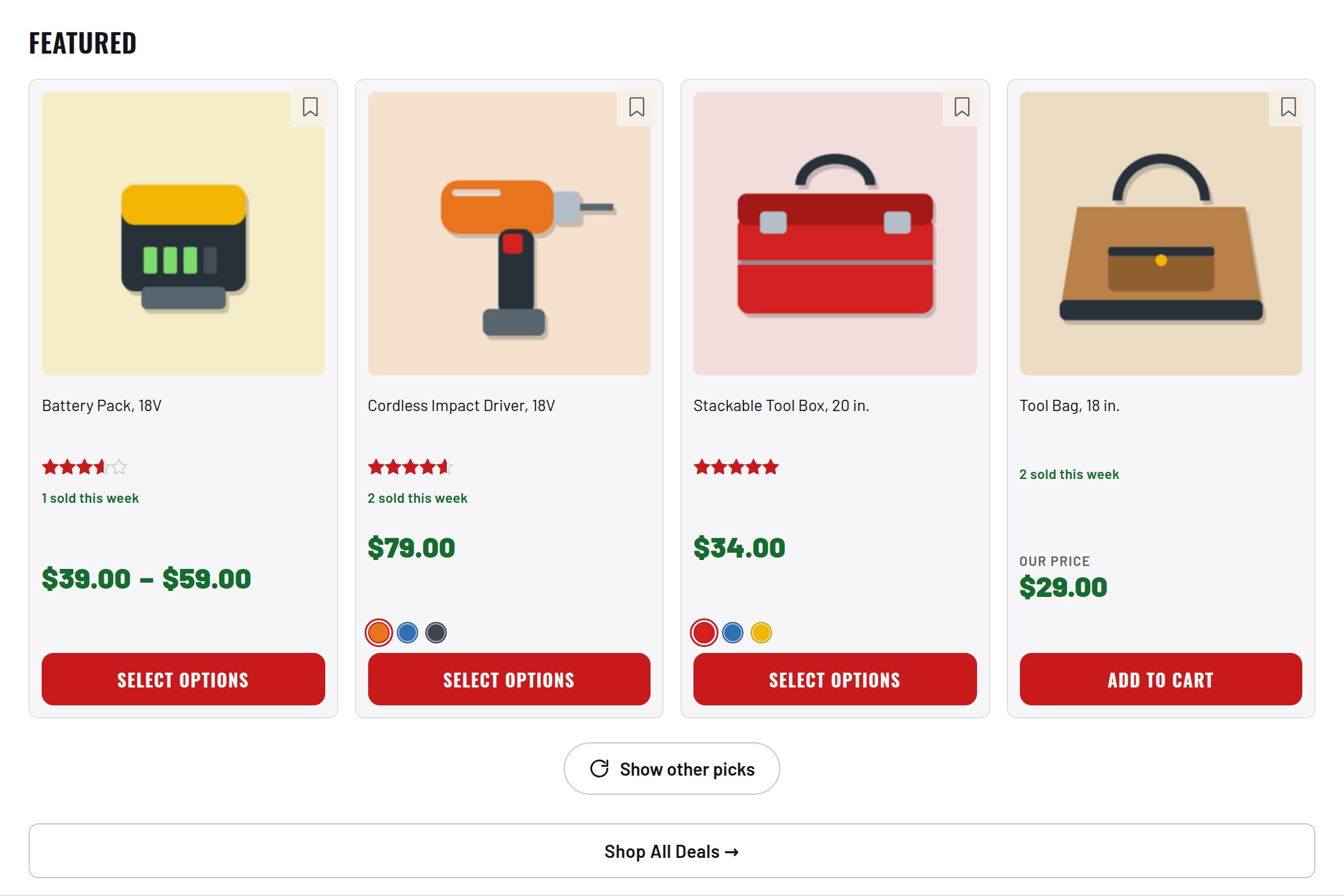
Free · GPLv2+ Best-deals-first sorting, stock-always-last, SKU search, sold-this-week badges, auto Featured, infinite scroll.

What it does for you

Default WooCommerce sorting was not built for a bin store: out-of-stock items clutter every page, “popularity” only knows what your store sold, discounts play no part in ordering, and a customer who types a model number finds nothing because WordPress searches titles only. Catalog sorts every listing the way a merchandiser would — in stock first, proven sellers up, deepest discount wins — and makes search find products by SKU. The whole default order runs off one precomputed integer per product, so it stays a single indexed query.

Every feature

Setup

  1. Activate (WooCommerce required). Recommended: Essentials alongside — the deal rank’s percent-off signal calls its empire_tools_discount_pct().
  2. On an existing catalog, backfill once: wp eval “empire_tools_rebuild_ranks();”
  3. Optionally fill Featured: wp eval “empire_tools_refresh_featured();” (Auctions runs this hourly when installed).

Configuration

keydefaulteffect
featured_limit4how many products the Featured picker selects

Set any subset with WP-CLI — wp option update factorize-catalog_options '{"key":"value"}' --format=json — or return values from the factorize-catalog_config filter in a small plugin. Legacy empire-* option names are still read.

Reads factorize-catalog_options (legacy empire-catalog-ranking_options honored) through the factorize-catalog_config filter. Stores two post meta per product: _et_rank and et_popularity, plus an hourly transient of weekly sales.

Tutorial

  1. See the ranking workOpen the shop: the sort dropdown reads Best deals (default) and Most popular; WooCommerce’s own store-sales popularity is removed to avoid a duplicate.
  2. Give products retail pricesAdd _et_retail_price to products (CSV import or the Vision plugin) so percent-off has something to rank against.
  3. Search a SKUType a full SKU (e.g. 2625-20) into search: you land on the product page. A partial number lists in-stock matches first.
  4. Tune Featuredwp option update factorize-catalog_options ‘{“featured_limit”:8}’ –format=json then wp eval “empire_tools_refresh_featured();”
  5. Watch the badgesComplete an order: within the hour the product shows “N sold this week” on its card and page.

Questions

Why doesn’t the order change right after activation?

_et_rank is empty until each product is saved. Run the backfill once.

Why does Featured look like a best-discount list on a new store?

With few popularity scores and no orders yet, percent off decides. As scores seed and orders arrive, Featured sharpens on its own.

Does anything leave my server?

No — the popularity table is bundled in the plugin; there are no external calls.

Roadmap

What I need from you

The inputs only the store owner can supply — keys, wording, photos, decisions, hardware — with the exact screen or command for each: Factorize Catalog — what I need from you (PDF).