What it does for you
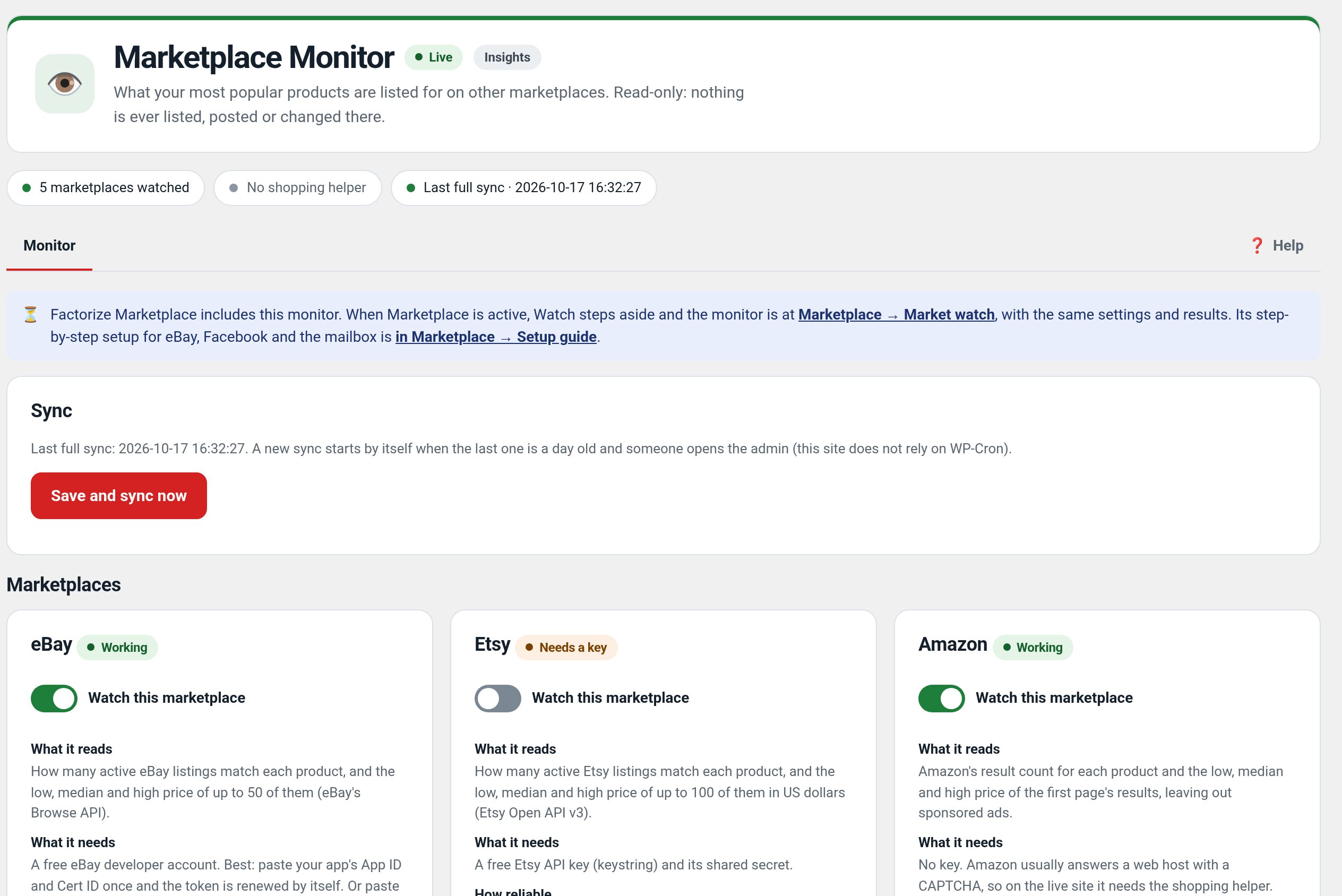
You are pricing against eBay every day, but checking listing counts and price spreads by hand for your top products is tedious, and most marketplace plugins want write access to your accounts. Watch takes the opposite approach: once a day (and on demand) it runs GET-only eBay Browse searches for your most popular products and a GET-only read of your own Facebook Page posts, then shows everything next to your prices. Every request is a GET.
Every feature
- Daily eBay sweepWP-Cron event et_marketplace_sync sweeps your top products (default 15, by et_popularity) on a configurable recurrence.
- Live market statsActive listing count and low / median / high price from up to 50 live listings per product.
- Side-by-side tableYour price vs eBay median and low–high spread, each row linked to the product editor.
- Popularity refinementLive listing counts blend into et_popularity (75% industry heuristic + up to 25 points of market activity).
- Facebook Page readerYour Page’s 10 latest posts (message, time, permalink).
- Keys-later setupA guided empty state until you paste credentials; per-platform error notices with the exact HTTP status.
- Read-only by designThere is no code path that writes to either platform.
Setup
- Activate. Open Factorize → Marketplace.
- Paste an eBay Browse API OAuth token (developer.ebay.com → your app → OAuth); optionally a Facebook Page ID and Page access token with pages_read_engagement.
- Click Save & sync now. Afterwards it refreshes daily.
Configuration
| key | default | effect |
|---|---|---|
top_products | 15 | how many popular products are swept |
sync_recurrence | daily | WP-Cron recurrence for the sweep |
Set any subset with WP-CLI — wp option update factorize-watch_options '{"key":"value"}' --format=json — or return values from the factorize-watch_config filter in a small plugin. Legacy empire-* option names are still read.
Credentials are not config: they live in the et_marketplace_settings option, managed on the Marketplace screen; the latest snapshot is et_marketplace_data. If you change sync_recurrence, delete the existing event (wp cron event delete et_marketplace_sync) so it reschedules.
Tutorial
- Get an eBay tokendeveloper.ebay.com → Application Keys (Production) → OAuth → application token with api_scope. Tokens expire (~2 h); a 401 shows on the screen until a fresh one is pasted.
- Read the tableFor each product: your price, active listings, eBay median, spread. A product priced above the median with hundreds of listings is a repricing candidate.
- Sweep more productswp option update factorize-watch_options ‘{“top_products”:25}’ –format=json
Questions
Will it ever post or list anything?
No — every request is a GET.
Where does the data live?
Credentials and the snapshot in two options; refined scores in et_popularity meta.
Do I need WooCommerce?
In practice yes: the sweep targets products and formats prices.
Roadmap
- Automatic token refresh
- Price-match alerts
- Competitor watchlists
- Repricing suggestions
- Google Shopping feed