What it does for you
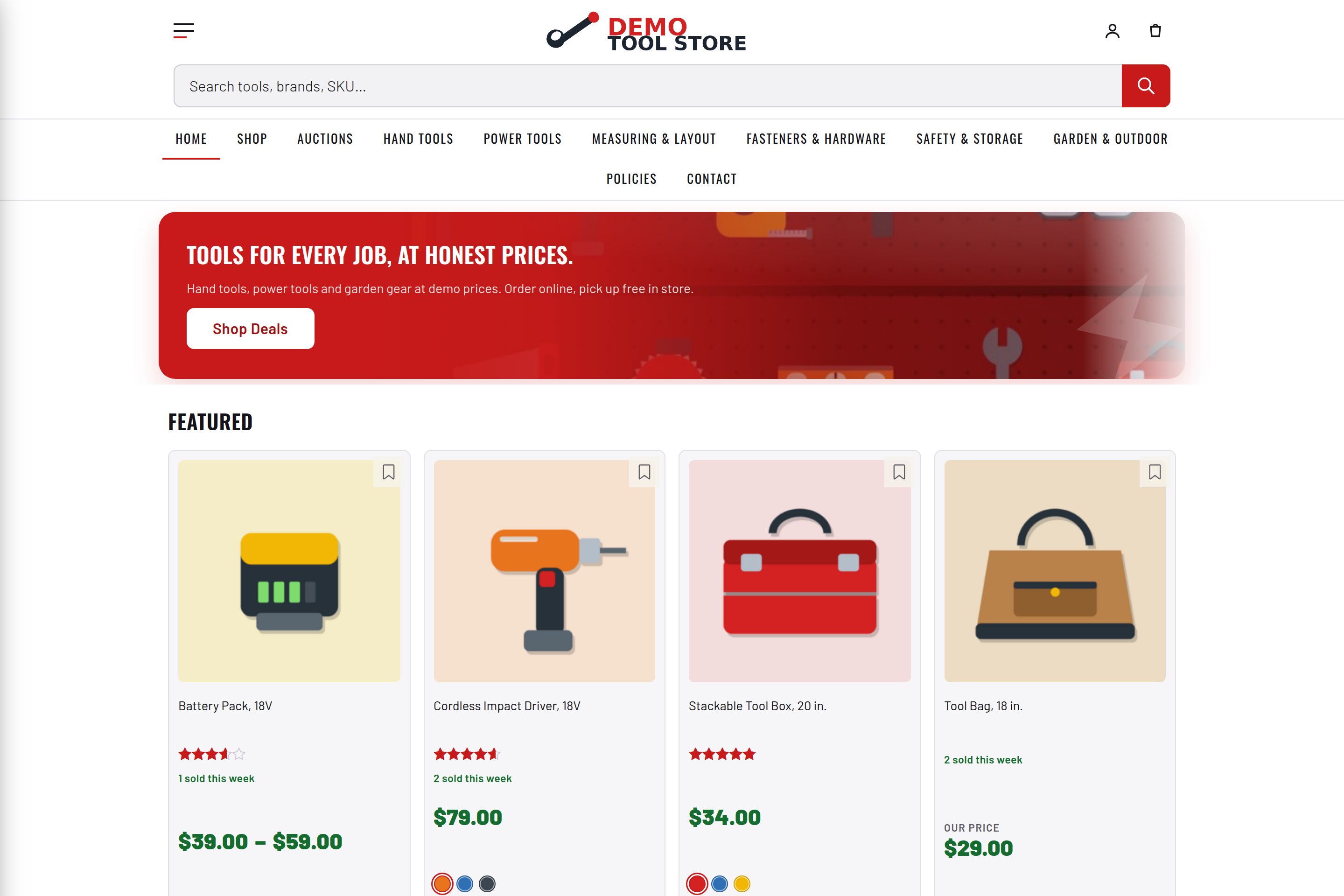
The in-admin twin of the Site Builder. Instead of assembling a new Docker stack, it converts the WordPress it is installed on: pick a store name, what you sell, a color scheme, and the features you want, click Build, and watch it install WooCommerce, the auction engine, the Factorize plugins and theme, apply your palette, and fill the store with demo products, a generated logo, a home page, and a menu — step by step with progress.
Every feature
- One screen, same questions as the wizardIdentity, vertical (tools / clothing / general), palette, features, demo size, auction length.
- Installs the enginesWooCommerce from wordpress.org (onboarding and coming-soon suppressed); Ultimate WooCommerce Auction when Auctions is ticked.
- Bundled Factorize plugins + themeUnzipped from bundle/*.zip and activated; folders already present are reused.
- Nine palettesFive dark (Ember, Ocean, Forest, Violet, Amber), four light (Paper, Linen, Cloud, Blush) — each sets all 35 theme tokens.
- Complete seedLogo + favicon, WooCommerce basics, categories and products with placeholder tiles and retail prices, ranks, popularity, auctions, demo member, storefront band, home page, menu.
- IdempotentRe-run to change palette or vertical; products are never duplicated.
Setup
- Activate on a fresh site (or one you mean to convert). A Factorize menu with a Setup tab appears even before WooCommerce exists.
- Factorize → Setup → answer the form → Build this store. 2–4 minutes on a fresh site.
Configuration
| key | default | effect |
|---|---|---|
features | all nine slugs | which plugins the wizard offers |
default_on | essentials catalog analytics storefront auctions perks portal | ticked by default |
product_chunk | 12 | demo products per step |
bundle_dir | bundle/ | where the zips live |
theme | empire-tools | theme to install |
Set any subset with WP-CLI — wp option update factorize-setup_options '{"key":"value"}' --format=json — or return values from the factorize-setup_config filter in a small plugin. Legacy empire-* option names are still read.
Rebuild the bundle after changing any plugin or the theme: bash wp-content/plugins/factorize-setup/build-bundle.sh. The server needs internet for the two wordpress.org downloads and a writable wp-content (FS_METHOD direct).
Tutorial
- Clone the Empire store, lightName Empire Tools, vertical tools, palette Paper, all nine features, 36 products: the verified run produced 12 active plugins, 36 products, 19 auctions, 6 categories, logo, pages, member, menu, and a five-tab hub.
- Make a clothing boutiqueVertical clothing, palette Linen, untick Auctions: 8 categories of garments with silhouette tiles.
- Change your mindRun Setup again with another palette: settings refresh, nothing duplicates.
Questions
Will it touch an existing store?
Yes — it installs plugins, switches the theme, and adds products and pages. It never deletes anything.
Where do the plugins come from?
Zips in bundle/; WooCommerce and the auction engine from wordpress.org.
Filesystem error?
Add define( ‘FS_METHOD’, ‘direct’ ) to wp-config.php and fix folder ownership, or unzip the bundle by hand and re-run.
Roadmap
- Import your own product CSV in the same screen
- Palette preview before building