What it does for you
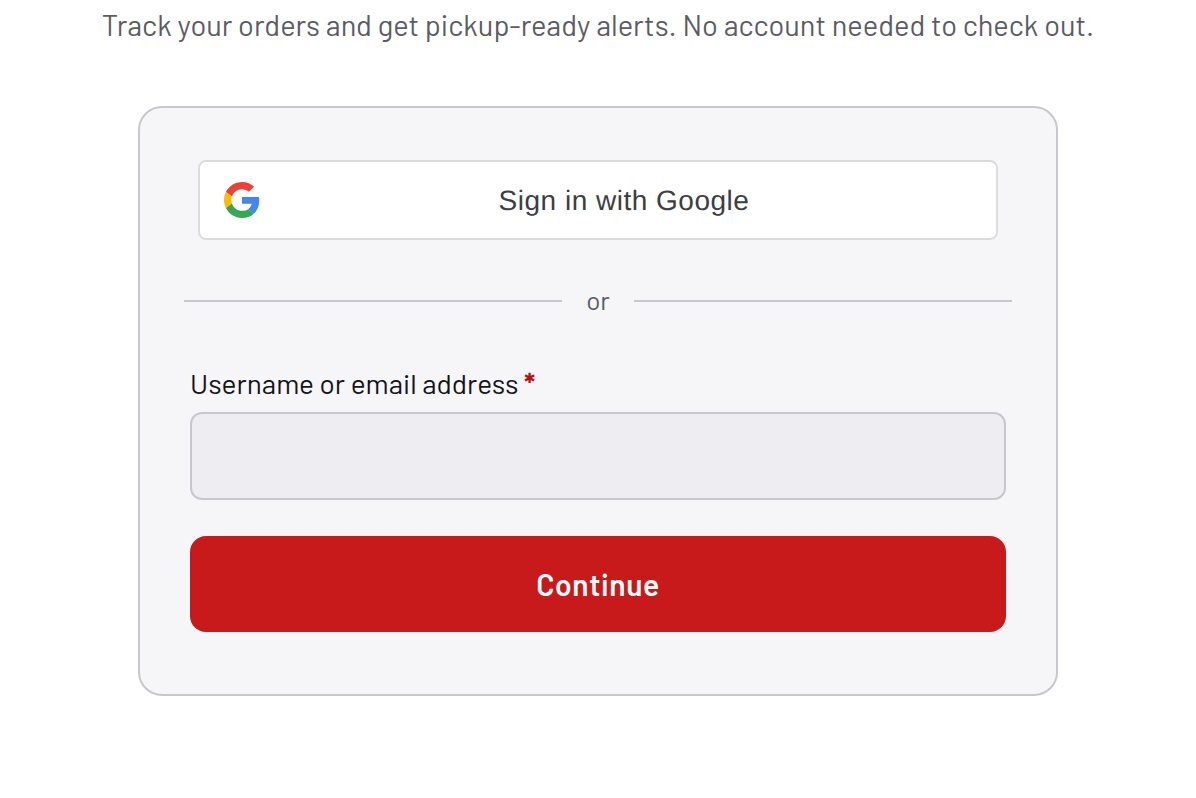
The logged-out My Account page greets every visitor with two stacked forms and makes them decide which one they are. Most shoppers do not remember whether they have an account, guess wrong, hit an error, and give up. Portal replaces the fork with one flow: type your email, press Continue, and the page figures out the rest — through WooCommerce’s own forms, nonces, and validation.
Every feature
- Email-first panelOne email box and one Continue button instead of stacked Login and Register forms.
- Live account lookupA nonce-protected AJAX call on your own server checks whether the email has an account.
- Log in or createExisting accounts get the password field; new visitors set a password (and optional phone) and are registered instantly through the real hidden form.
- Optional phone at sign-upFormat-validated only when provided; saved to the standard billing_phone meta for pickup and auction alerts.
- Progressive enhancementNo JavaScript? The classic two-form page. Lookup fails? Falls back to the standard forms. Nobody is locked out.
- FeatherweightOne dependency-free script, loaded only on the logged-out account page.
Setup
- Activate (WooCommerce required).
- WooCommerce → Settings → Accounts & Privacy: allow account creation on the My account page.
- Log out and visit /my-account: the single panel appears.
Configuration
| key | default | effect |
|---|---|---|
phone_field_enabled | true | render, validate, and save the optional phone field |
Set any subset with WP-CLI — wp option update factorize-portal_options '{"key":"value"}' --format=json — or return values from the factorize-portal_config filter in a small plugin. Legacy empire-* option names are still read.
No settings screen by design. The et-portal classes are styled by the Empire theme; other themes add a few rules.
Tutorial
- Register a new customerEnter an unknown email → “No account found” → set a password (and phone) → Create account: logged in, welcome email sent.
- Return as that customerEnter the same email: the password field appears with Remember me and Lost your password.
- Turn the phone field offwp option update factorize-portal_options ‘{“phone_field_enabled”:false}’ –format=json
Questions
Does it replace WooCommerce’s login?
No — it decides which of the two real forms to submit; hooks and validation run untouched.
Does any data leave my server?
Only the AJAX call to your own admin-ajax.php.
Bots?
Instant registration attracts them; reCAPTCHA or Turnstile can be wired once you pick one and supply keys.
Roadmap
- Google / Apple one-tap sign-in
- Magic-link login
- SMS one-time codes
- Passkeys