Factorize · Selling
Payment Links
Text a customer a link with their cart already filled in.
Download and install
Download Payment Links 1.1.6 (.zip, 204 KB)
- Go to Plugins → Add New Plugin → Upload Plugin.
- Choose the zip you downloaded, then click Install Now.
- Click Activate Plugin.
- Open Factorize → Payment Links.
Already installed? Updates arrive in Plugins like any other plugin. Full install guide
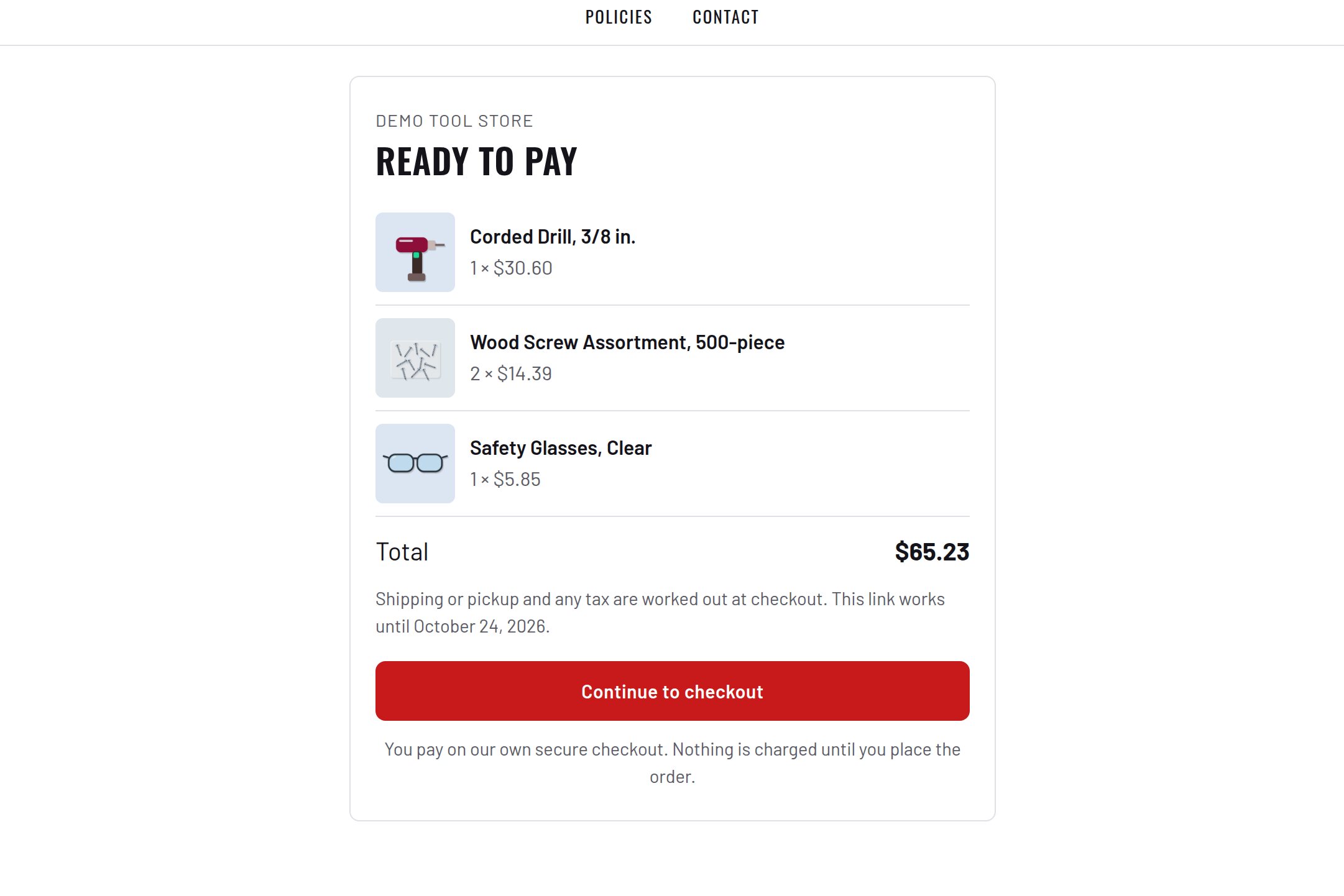
A link for a product, or for anything you type with a name and a price.
The customer taps it and the item is already in the cart.
They pay at the normal checkout. Auction lots and sold-out items are left out.