Factorize · Selling
Auctions
Timed auctions alongside regular stock, with auto-bid.
Download and install
Download Auctions 2.1.0 (.zip, 324 KB)
- Go to Plugins → Add New Plugin → Upload Plugin.
- Choose the zip you downloaded, then click Install Now.
- Click Activate Plugin.
- Open Factorize → Auctions.
Already installed? Updates arrive in Plugins like any other plugin. Full install guide
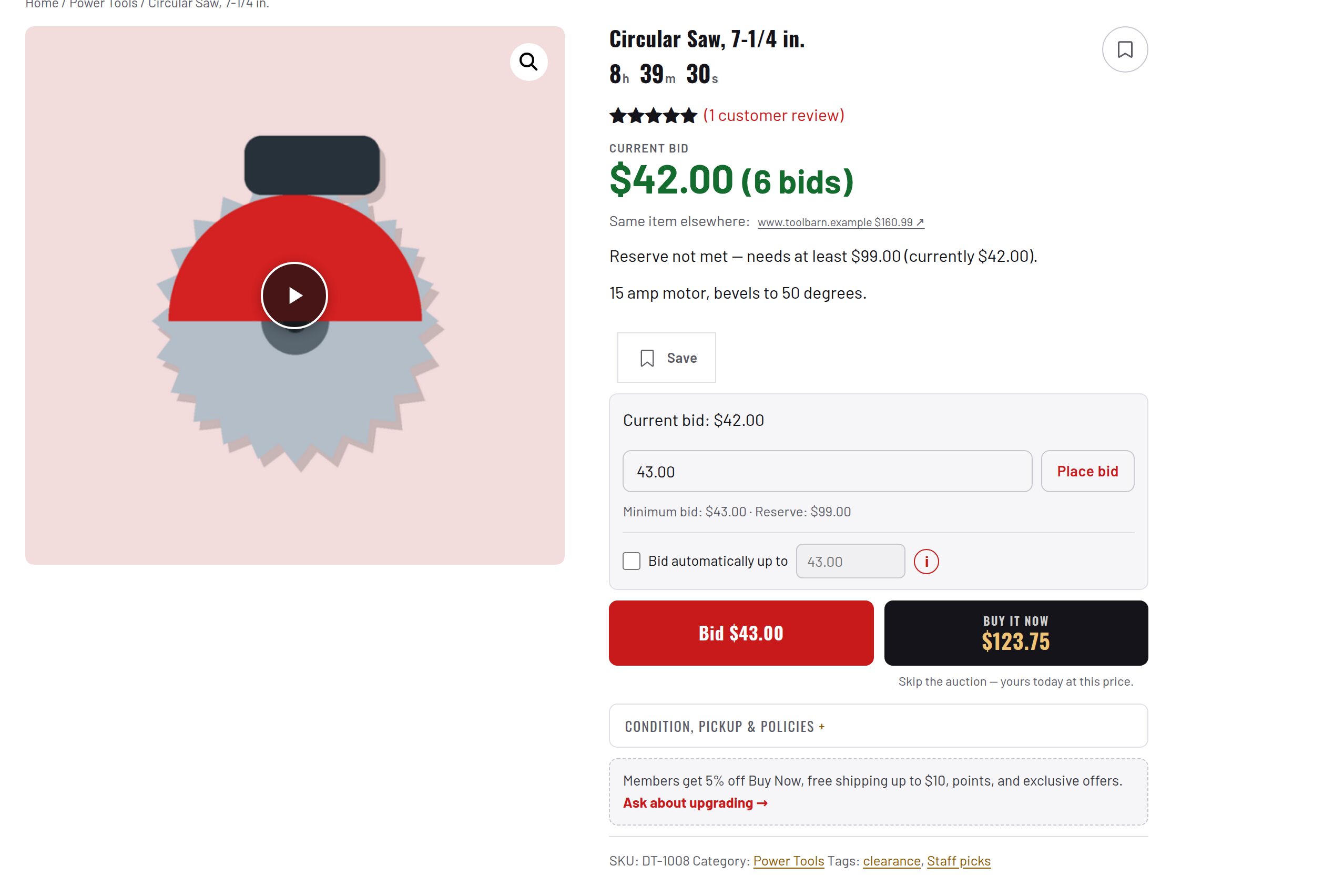
Starting bid, current bid and Buy Now on each card.
An "Ends in" badge during the final day.
A one-tap button for the next bid.
Buyers set a maximum and the store bids for them.
Weekly relist cycles. Buy Now greys out once bidding passes it.