Factorize · Storefront
Theme
One set of colour tokens restyles the whole store, with a blog on the home page and a minified stylesheet.
Download and install
Download Theme 1.3.2 (.zip, 659 KB)
- Go to Appearance → Themes → Add New Theme → Upload Theme.
- Choose the zip you downloaded, then click Install Now.
- Click Activate.
- Open Appearance → Customize to set your colours.
Already installed? Updates arrive in Plugins like any other plugin. Full install guide
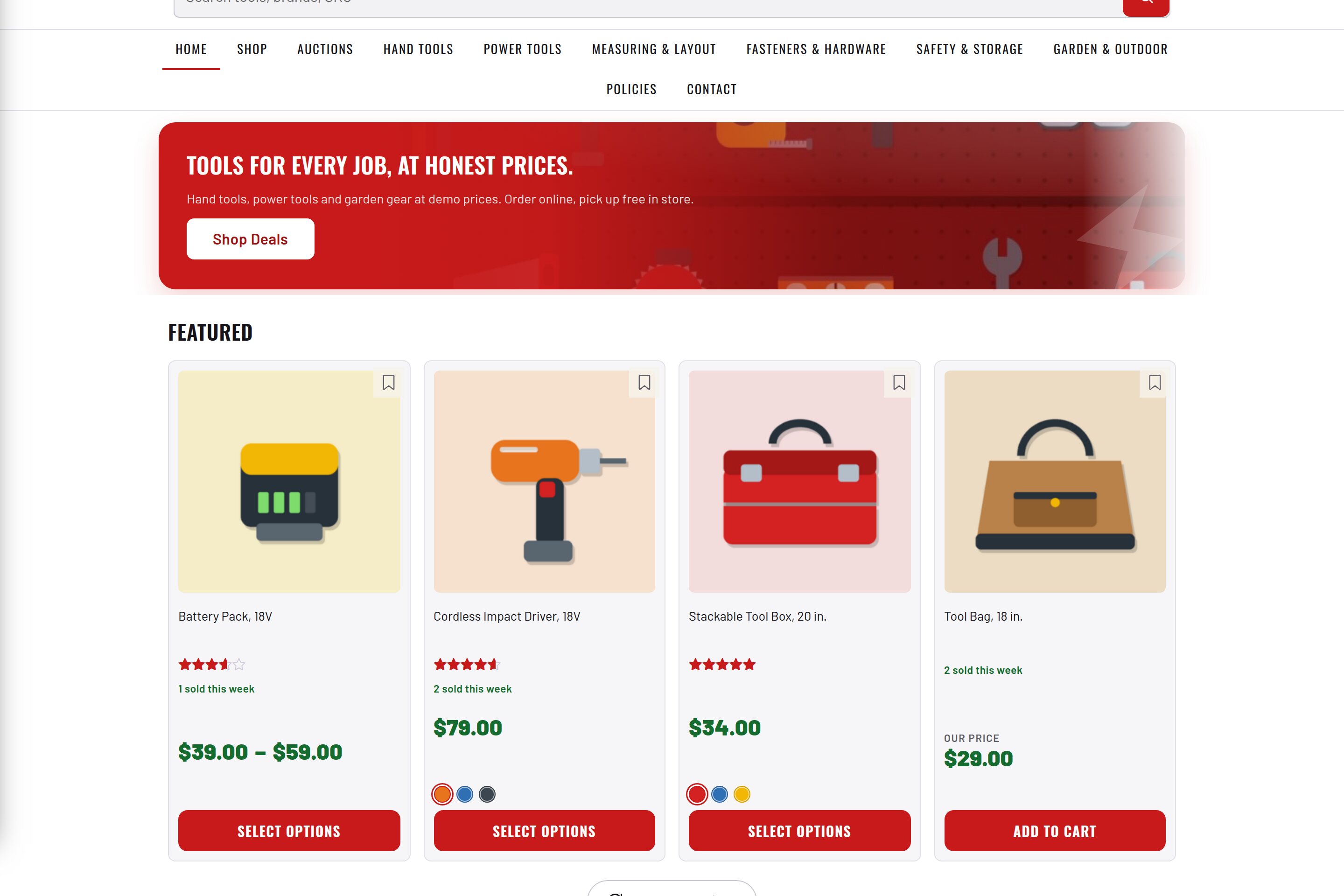
35 colour tokens in the Customizer. Every plugin reads them.
Light theme by default, plus a complete dark preset.
Styles WooCommerce through hooks. No template overrides.
Fonts are self-hosted. No external requests.